1
FINAL DRAFT
75 - Tutorials
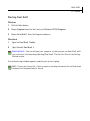
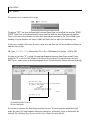
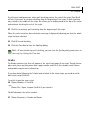
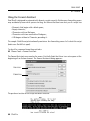
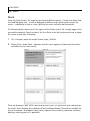
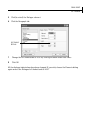
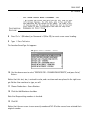
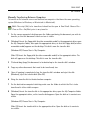
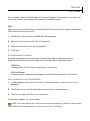
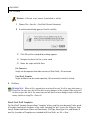
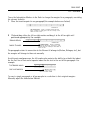
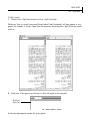
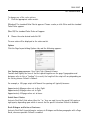
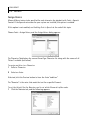
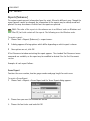
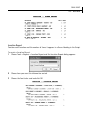
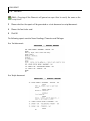
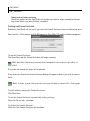
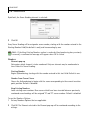
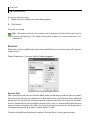
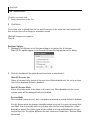
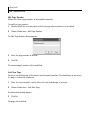
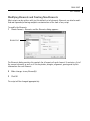
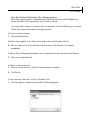
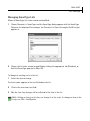
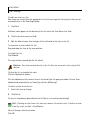
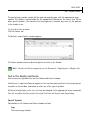
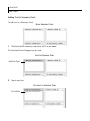
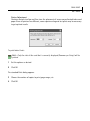
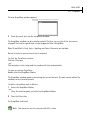
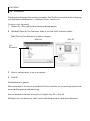
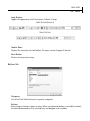
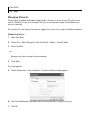
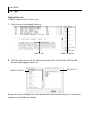
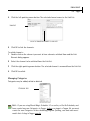
5 Click (to select) the Dialogue element.
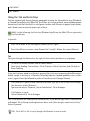
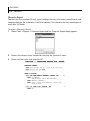
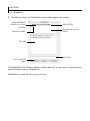
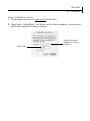
6 Click the Paragraph tab.
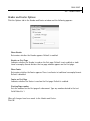
LEFT INDENT
SETTING
7
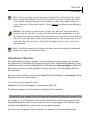
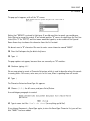
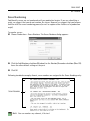
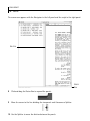
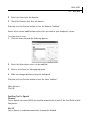
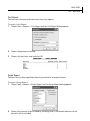
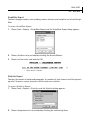
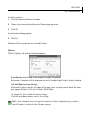
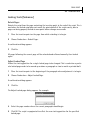
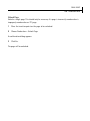
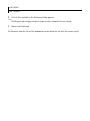
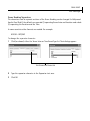
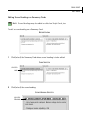
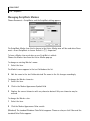
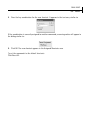
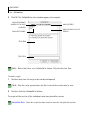
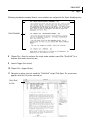
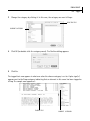
Change the Left indentation to 2.00” by clicking the down arrow four times.
8
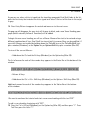
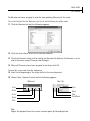
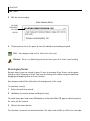
Click OK.
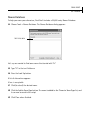
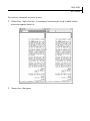
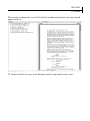
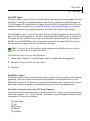
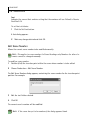
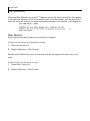
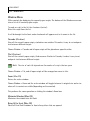
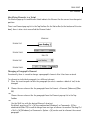
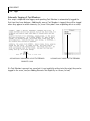
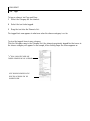
All the dialogue indentations have been changed. If you wish, choose the Elements dialog
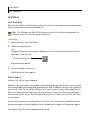
again and set the Dialogue Left Indent back to 2.50”.