1
Software Configuration
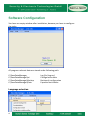
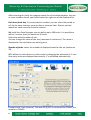
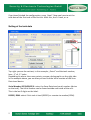
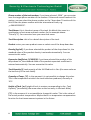
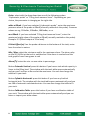
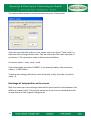
You have an empty window after installation, because you have to configure
the tanks.
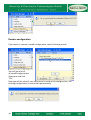
All program-relevant data are stored under following path:
C:\SecuDataManager
C:\SecuDataManager\Ini
C:\SecuDataManager\Backup
C:\SecuDataManager\Data
Language selection
4
Log file (Log.csv)
Configuration data
Backup of configuration
Exported tank tables