1
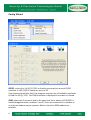
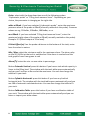
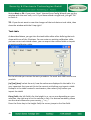
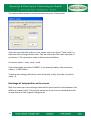
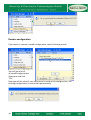
After selecting this field, the program search for all installed modems. Are one
or more modems found, you should select the right one of the displayed list.
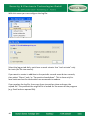
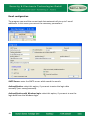
Each hour/each day: if you work with a modem, you can select the period to
call the far away stations, once per day or once per hour. Shorter periods
would not make sense for financial reasons.
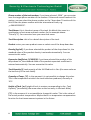
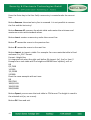
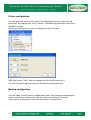
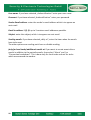
Set: with Secu Data Manager you can define up to 100 tanks. It is possible to
define 5 screens (sets) to maximum 20 tanks.
Select the wished number of sets.
You can change the name of the sets (maximum 6 characters). The name is
displayed on the set-button on working area.
Number of tanks: select the number of displayed tanks for the set (maximum
20).
X/Y: define the tank division on the screen by changing the parameter X. X sets
how many tanks are displayed horizontally. Y is calculated automatically.
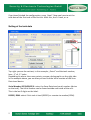
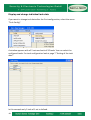
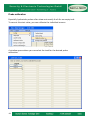
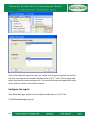
Example with 3 sets (screens). The local SD (1)232 is connected to COM20, the
modem to COM23.
6