1
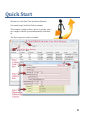
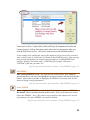
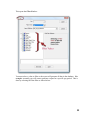
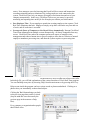
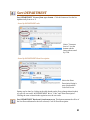
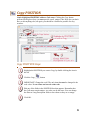
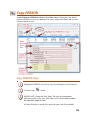
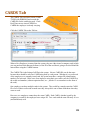
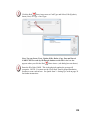
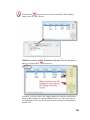
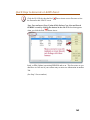
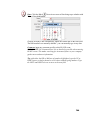
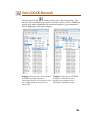
To Edit the PERSON, click the Red
Down Arrow next to Person and Select,
Edit (Update), Insert (New) or Copy a Person.
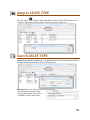
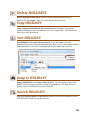
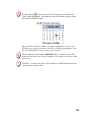
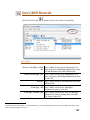
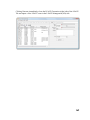
Note: You can Insert (New), Update (Edit), Delete, Copy, Sort and Search
PERSON records by clicking the buttons on the side in the box that appears
when you click the Red
Down Arrow (yellow highlighted area below):
177