1
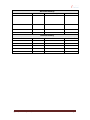
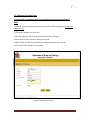
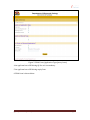
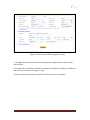
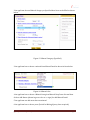
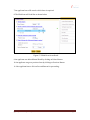
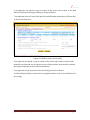
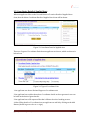
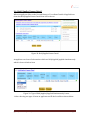
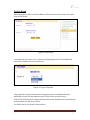
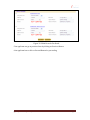
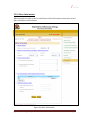
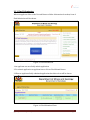
1. An applicant chooses Government Land then he has to fill form like shown in form
below.
Figure 20: Filled Form (for Government Land)
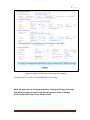
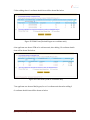
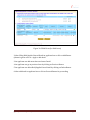
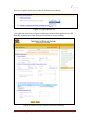
2. After choosing Government land and filling form, an applicant has to click on Add
Button (shown in green color as a + sign) for adding Detail of Applied Area.
3. An applicant can add more than one Area Detail.
4. An applicant can delete Area Detail by clicking on the Delete Button.
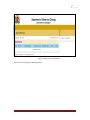
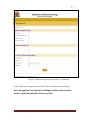
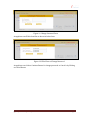
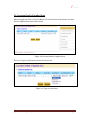
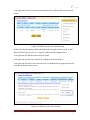
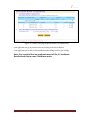
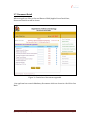
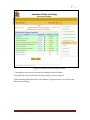
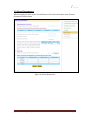
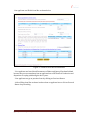
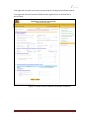
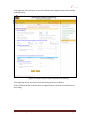
5. An applicant chooses Private Land and click on Add Button then applicant has to fill
form like as shown in below form.
Figure 21: Filled Form (for Private Land)
(Quarry-Renewal-Specified)
Page 21