1
Creating a Control Module with ControlConnection (CC template)Section 4 Analog Process Control
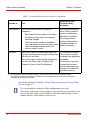
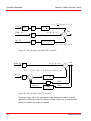
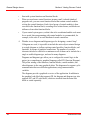
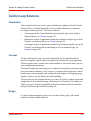
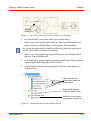
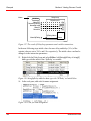
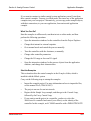
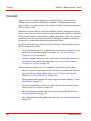
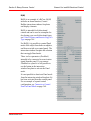
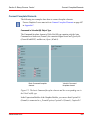
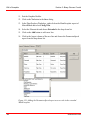
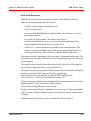
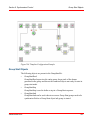
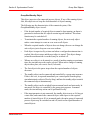
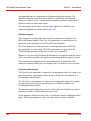
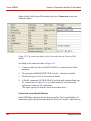
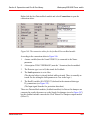
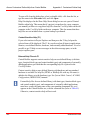
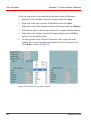
(* Backward information to the Input Gate *)
InBackward.Backtrack := OutBackward.Backtrack;
InBackward.BacktrackValue := OutBackward.BacktrackValue;
InBackward.LowerLimit := OutBackward.LowerLimit;
InBackward.LowerLimitActive := OutBackward.LowerLimitActive;
InBackward.Range := OutBackward.Range;
InBackward.UpperLimit := OutBackward.UpperLimit;
InBackward.UpperLimitActive := OutBackward.UpperLimitActive;
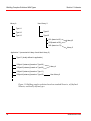
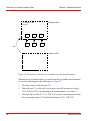
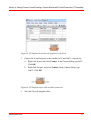
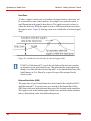
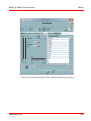
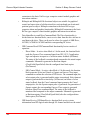
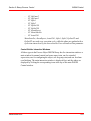
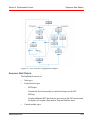
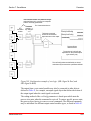
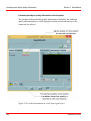
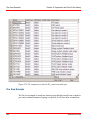
Figure 37. Programming code in the Backward code block
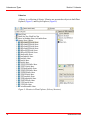
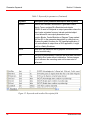
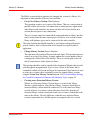
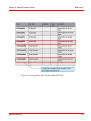
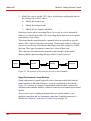
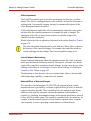
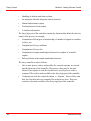
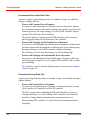
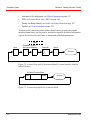
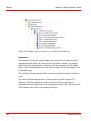
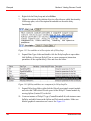
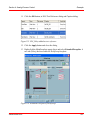
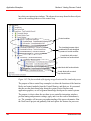
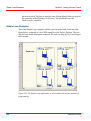
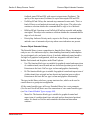
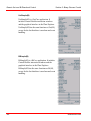
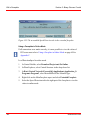
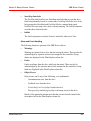
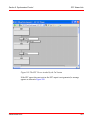
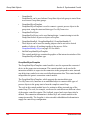
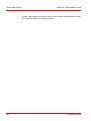
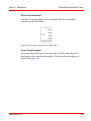
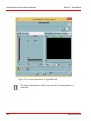
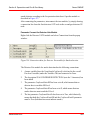
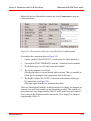
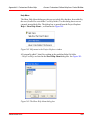
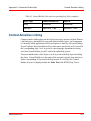
If you need the End module functionality, then add the following to your code.
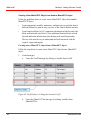
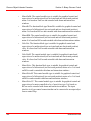
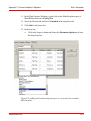
Declare the CodeSortVar variable as a real with no attribute (empty field) in the
declaration editor.
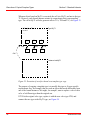
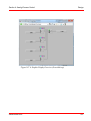
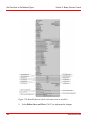
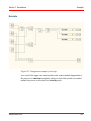
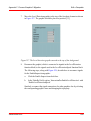
Figure 38. Code added for End module functionality
110
3BSE035981-600