1
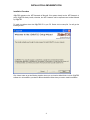
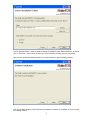
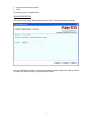
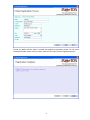
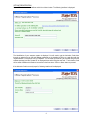
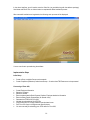
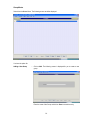
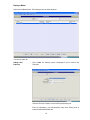
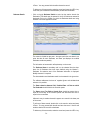
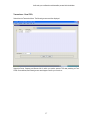
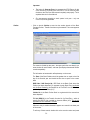
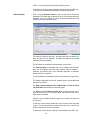
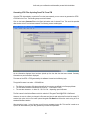
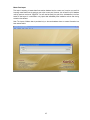
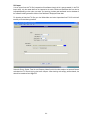
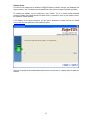
In the above interface, you will need to enter the Serial No. (as provided along with the software package), User Name and Email. Click on <Next> button to complete the offline installation process. After successful installation and registration, the following start up screen will be displayed. You are now all set to proceed using the software Implementation Steps Initial Setup Create a Group <multiple Groups can be created> Create Companies (Deductors) under these Groups – for whom the eTDS Returns are to be processed Processing of Form 24Q Create Employee Information Select the Company Select the Quarter Enter the data related to Bank Payment Challans, Employee deduction information Enter the Salary Details (Computation) for Quarter 4 only Generate the eTDS file for Form 24Q Validate the authenticity of this eTDS file Copy the file onto CD / Floppy & label as per stipulated norms Print Form 27A & put in the signature at relevant places You are now ready for submitting your eTDS return for Form 24Q 10