1
INSTALLATION & IMPLEMENTATION
Installation Procedure
JS@eTDS operates on the .NET framework of Microsoft. If the system already has the .NET framework in
place, JS@eTDS directly installs, otherwise, the .NET framework and its components are installed followed
by JS@eTDS.
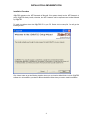
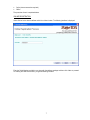
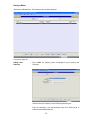
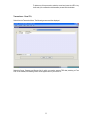
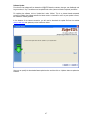
To install the software insert the JS@eTDS CD in your PC. Double click on setup file. You will get the
following screen:-
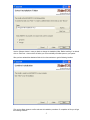
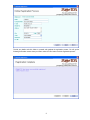
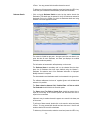
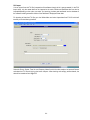
Click <Next> button to get the following interface where you can view the default folder in which JS@eTDS
software is to be installed or you select a different destination folder where you want to install the software:
4