1
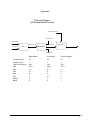
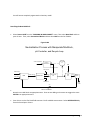
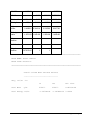
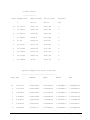
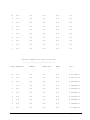
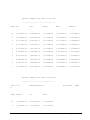
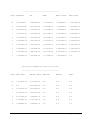
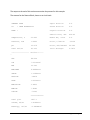
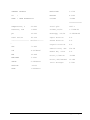
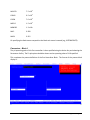
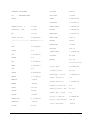
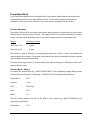
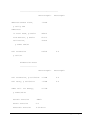
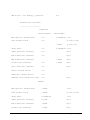
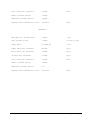
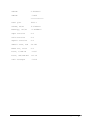
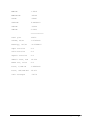
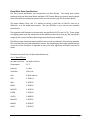
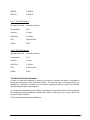
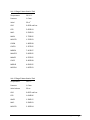
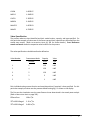
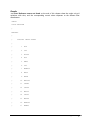
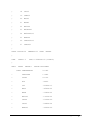
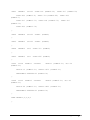
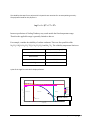
1 8.50557E+07 Column Profile -------------Stage Temperature Liquid Rate Vapor Rate Pressure C mol/hr mol/hr atm 6 97.97222 121436. 38833.86 1. 5 96.31111 121363. 39459.82 1. 4 95.71667 121250. 39365.47 1. 3 95.43333 120978. 39237.56 1. 2 95.11111 120347. 38939.09 1. 1 94.32222 109035. 38249.63 1. Solvent Extractor For this application the Solvent Extractor is used to simulate the extraction of phenol from a spent caustic stream using light gas oil as the solvent. The Chemistry Model for this example is described in Electrolyte Chemistry Model For Solvent Extractor Example on page 482 of this section. Process Summary The process involves the removal of phenol from a spent caustic effluent using solvent extraction techniques. A light gas oil, cyclohexane, is to be used as the solvent. Process Build On naming the process block (e.g., PHENOL REMOVAL) the number of column stages will be specified as 10. The top column inlet stream should then be named (e.g, CAUSTIC WASTE) and its parameters specified as: Temperature 25 C Pressure 1.0 atm Flow 22000.0 mol/hr H2O 21014.3 OLI ESP User Guide Process Applications 374