1
<Toc> <Ind>
< 12. Uploading/Downloading Program Pattern from/to Controller, Comparing Data Values, and Batch Copy >
12-15
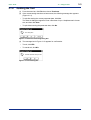
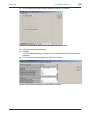
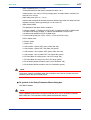
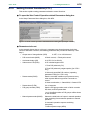
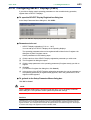
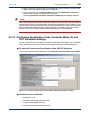
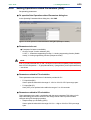
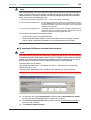
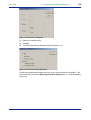
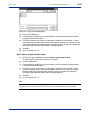
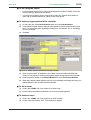
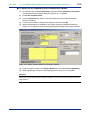
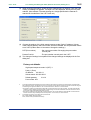
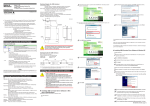
Figure 12.4.2 Uploads Entire Program Patterns at a Time Dialog Box
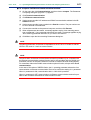
(5) After you set the communication conditions, click OK.
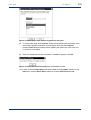
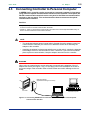
(6) Following the instructions given by the message that appears, connect the controller.
(7) When you are ready, click OK.
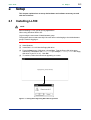
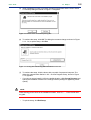
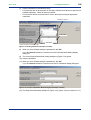
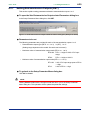
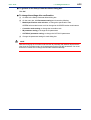
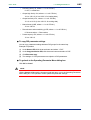
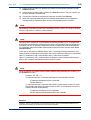
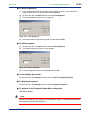
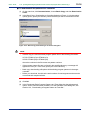
(8) The Communicating dialog box (Figure 12.4.3) appears.
Figure 12.4.3 Communicating Dialog Box
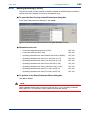
(9) When uploading is complete, a message appears to notify you it is complete. Click
OK.
IM 05G01B12-01E
5th Edition : 2005.03.25-00