1
<Toc> <Ind>
10-4
< 10. Setting Program Patterns >
10.2 Selecting New, Open File, or Upload
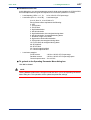
After you start the program pattern setting tool and specify the controller model, perform
one of the following.
1)
Create a new program pattern
2)
Open and edit a user file containing a saved program pattern with the tool.
3)
Upload a program pattern from a controller to the tool and edit it.
10.2.1 Creating a New Program Pattern
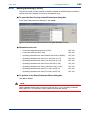
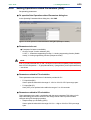
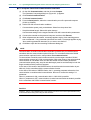
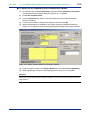
● To create a program pattern
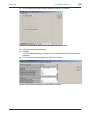
• After starting the program pattern setting tool, create a program pattern.
(1) Go on to section 10.2.4.
• After stopping the parameter settings, create a program pattern.
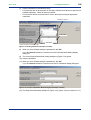
(1) On the menu bar, click File then choose New.
(2) Go on to section 9.1.1 (6).
10.2.2 Opening a User File
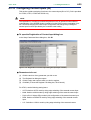
The filename extension of program pattern data files is either *pp or p*d. The
filenames preceding the extension must be up to 16 alphanumeric characters. The
tool automatically sets the filename extension according to the model of the GREEN
Series controller as shown below.
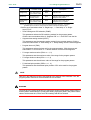
Table 10.2.1 Filename Extensions
Type of File
Controller Model
UP750 UP550
Parameter setting file
p7d
p5d
Parameter comparison
result file
e7d
e5d
Program pattern file
p7p
p5p
Program pattern comparison
result file
e7p
e5p
Print image file
csv
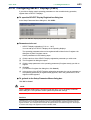
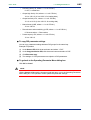
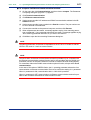
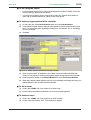
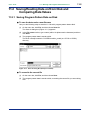
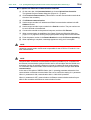
● To open a User file
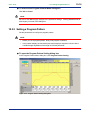
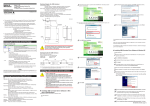
(1) On the menu bar, click File then choose Open.
The Open User File dialog box (Figure 10.2.1) opens.
IM 05G01B12-01E
5th Edition : 2005.03.25-00