1
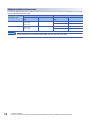
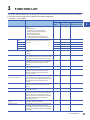
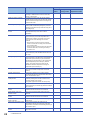
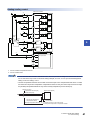
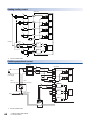
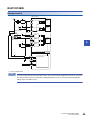
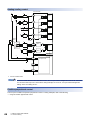
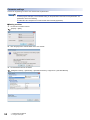
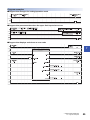
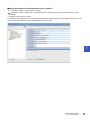
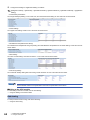
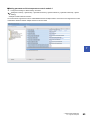
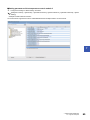
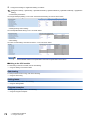
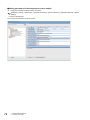
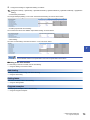
2. Configure the settings in "Application Setting" as follows. [Navigation window] [Parameter] [Module Information] [R60TCTRT2TT2] [Module Parameter] [Application Setting] • "Control basic parameters" Set "Target Value(SV) Setting" of CH1 and "Unused channel setting" of CH2 as shown below. • "Heating/cooling control setting" Set "Overlap/dead band setting" of CH1 as shown below. • "Alert setting" Set "Alert 1 mode setting" and "Alert set value 1" of CH1 as shown below. Use the default values for the parameters other than the parameters shown above. ■Writing to the CPU module For the writing to the CPU module, refer to the following. Page 52 Writing to the CPU module Auto tuning For the procedure of auto tuning, refer to the following. Page 53 Auto tuning Setting labels Fort how to set labels, refer to the following. Page 54 Setting labels Program examples For the program examples, refer to the following. Page 55 Program examples 70 7 OPERATION EXAMPLES 7.2 Program Examples