1
COPRA® Roll Design
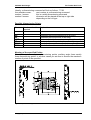
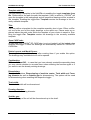
The Design Rolls toolbar
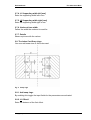
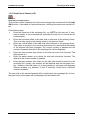
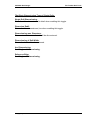
1.3. The WZ Utility toolbar
1.3.1. WZ Utility
Function:
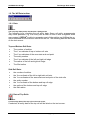
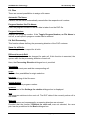
Opens a dialogue box in which the functions described below can be selected
The WZ Utility toolbar options control the exchange of roll data for e.g. combined
roll sets. In combination with the FLOWER ++/Adapt Flower Module, a very
powerful tool for combining roll sets is provided.
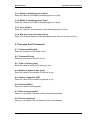
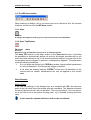
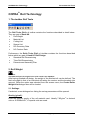
1.3.2. Store Roll Set
Function:
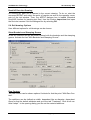
Write Roll Set to file
If selected, all entity and roll data of the current pass will be written to a file. The
filename is composed of a constant string and the pass number. If the roll data of
pass number 2 are written to a file, the filename created will be WERKZG02.CXF.
The extension .CXF stands for COPRA® Exchange File. The file and its location
will be displayed in the command line. This option allows the copying of a complete pass. All roll data, including the axes position, will be copied as they are. If a
step-up is being used or if the station the rolls are copied to has a different gear
ratio, the axes will have to be re-defined.
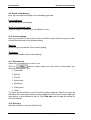
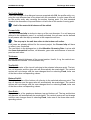
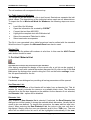
1.3.3. Read Roll Set
Function:
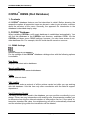
Read Roll Set from file
If selected, all entity and roll data of the current pass will be overwritten by the data
loaded from the exchange file. A dialogue box with the saved roll sets appears.
Here, the desired file can be selected.
All existing entity and roll data will be overwritten!
If necessary, use the +- shortcut to reload the data of the current pass from the
database without saving the changes!
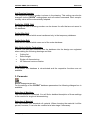
This function is only to be used if individual passes have to be copied. For combined rolls, use the Write Part of Passes (T/B) function.
22
©
Copyright by data M Sheet Metal Solutions GmbH