1
ProNotes Version 1.0 – User Manual
Issue 1.0.D
EVS Broadcast Equipment – January 2012
6.
Making and Reviewing Notes and
Comments
6.1
About Notes and comments
6.1.1 Types of Notes
ProNotes distinguishes two types of notes: notes that are created during the recording of
a take and that comment on what is going on, and notes that are created before or after
the recording and give more general remarks about a scene or an episode. The second
type of notes are ‘comments’. Notes are related to a take, comments are related to a
scene.
6.1.2 On Air Mode vs. Off-Air Mode
In Stand Alone Mode, Notes are created in On Air Mode, i.e. during the recording of a
take, comments are created in Off-Air Mode, i.e. before or after the recording. By default,
ProNotes opens in Off-Air Mode.
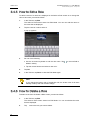
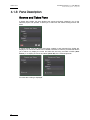
In the Scenes and Takes pane, a button is provided to switch between On Air Mode
and Off-Air Mode
.
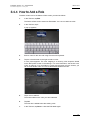
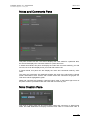
In On Air Mode, the Note Creation pane displays a button to add (Add Note) and save
(Save Note) a note.
In Off Air Mode, the Note Creation pane displays a button to add (Add Com.) and save
(Save Com.) a comment.
6.1.3 Auto Follow Mode vs. Show All Mode
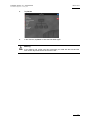
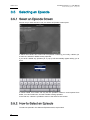
In Server Mode, notes are created in Auto Follow Mode, i.e. during the recording of a take
in INSIO. To activate the Auto Follow Mode click the corresponding button in the Scenes
63