1
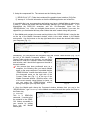
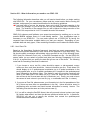
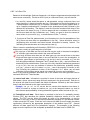
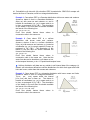
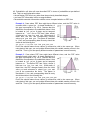
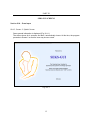
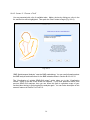
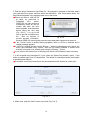
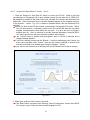
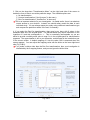
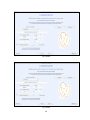
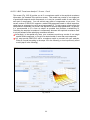
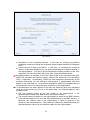
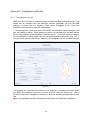
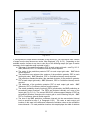
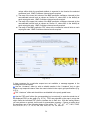
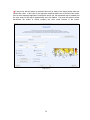
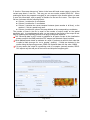
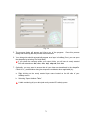
3. Click on the drop-down “Transformation Menu” on the right hand side of the screen to decide the form of data to use at the prediction stage. The available options are: • No transformation • N-score transformation (“Use N-scores” in the menu) • Box-Cox transformation (“Use BoxCox” in the menu) This is an important selection in your investigation. As stated earlier, there is no absolute correct answer to your decision. Instead, one should rather consult the data in each individual study. You can always repeat your study using a different transformation type and compare the prediction results in the end, if necessary. 4. If you select the Box-Cox transformation, there may be an issue with 0 values in the detrended data set in the original-space. The transformation may require calculation of the logarithm of 0 and this corresponds to -∞. This is numerically unacceptable, so you are asked to provide a suitably small value to map 0 to in the original-space for transformation purposes. The approximation is left to your discretion, as discussed in the Introduction part of the current screen. A default mapping of 0 into the value 0.001 is assumed when the screen appears. You can adjust this mapping value with the slider on the lower right-hand side (Fig. III.B.6). If you make a choice other than the Box-Cox transformation, then your investigation is unaffected by the 0 mapping feature, and you can ignore the slider value. Fig. III.B.6 35