1
PRECAUTIONS
We strongly recommend installing supplementary ventilation as
well as a backup thermostat on at least one fan stage (refer to the
wiring diagram enclosed with this user's manual to connect the
thermostat).
Although overload and overvoltage protection is provided for the
controller circuits, we recommend installing additional protection
devices in the electrical panel.
The room temperature where the controller is located MUST
ALWAYS REMAIN BETWEEN 32°F AND 104°F (0°C TO 40°C).
To avoid exposing the controller to harmful gases or excessive
humidity, it is preferable to install it in a corridor.
DO NOT SPRAY WATER ON THE CONTROLLER
FOR CUSTOMER USE
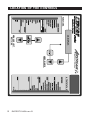
Enter the serial number located on
the side of the controller below for
future reference.
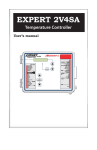
Model number: EXPERT 2V4SA
Serial number:
4
EXPERT 2V4SA rev.01