1
2.5.
21
VIEWS
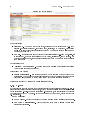
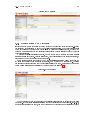
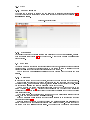
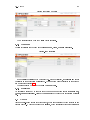
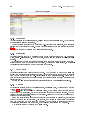
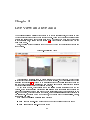
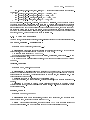
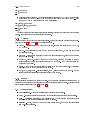
Figure 2.21: Editing a monitor
The monitor is created when the
Create button is pressed.
2.4.2 Managing
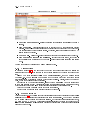
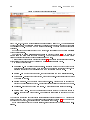
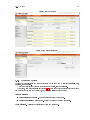
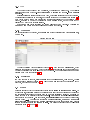
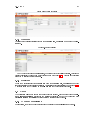
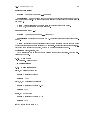
The list of variables can be found under
Management , Views , Manage Monitors .
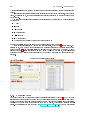
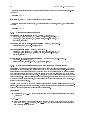
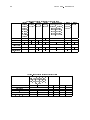
Figure 2.22: Monitor list
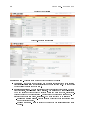
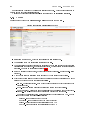
If a monitor's properties need to be changed (e.g. adding a variable), the
Settings link should
be selected in the appropriate monitor's row. The same form will be displayed as for adding a
new monitor (see Figure 2.21).
Changes are saved by clicking the
Apply Changes button.
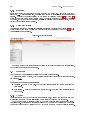
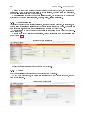
2.4.3 Removing
Management ,
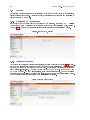
Views , Manage Monitors ). Click on the Remove link at the end of the appropriate monitor's
An undesired monitor may be removed from the same menu as it is managed (
row.
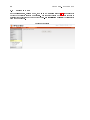
2.5 Views
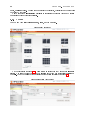
Views are user-dened groups of device outputs, which are convenient to view together in one
browser window.
A view is composed of
monitors , which are single device outputs (camera