1
SETTINGS AND CONNECTIVITY
IAA, AudioBus and WIST
BeatHawk can be used as an audio source for other apps
on your iPad with Inter-App Audio and through AudioBus.
Setting up these connections is relatively simple.
Inter-App Audio
IAA compatible apps each have their own method of
integration. Consult the user manual for the app you want
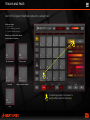
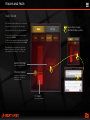
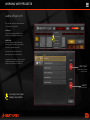
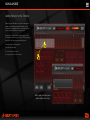
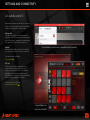
to use to learn more. In GarageBand, selecting BeatHawk
as an audio source is done through the input menu.
AudioBus
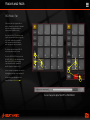
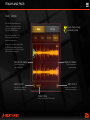
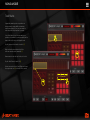
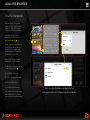
BeatHawk is fully AudioBus compliant. To set BeatHawk
as an audio source simply select it from the input menu.
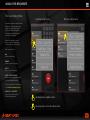
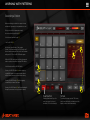
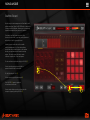
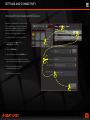
Using BeatHawk as an audio source in GarageBand via Inter-App Audio
For more information on AudioBus:
http://audiob.us/
WIST Sync
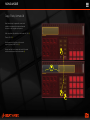
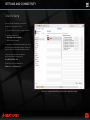
WIST is a protocol that allows multiple devices to be
synced over Bluetooth. BeatHawk is natively WIST
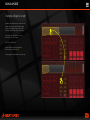
compliant, simply enable WIST Sync in the BeatHawk
preferences on both devices and connect one to the
other via Bluetooth. The device that iniates the Bluetooth
connection will be the slave device by default.
For more information on WIST sync:
http://www.korguser.net/wist/
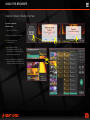
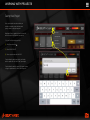
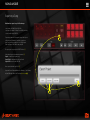
Using BeatHawk as an
input source in AudioBus