1
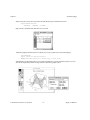
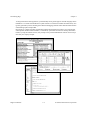
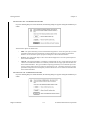
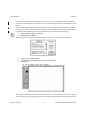
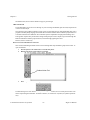
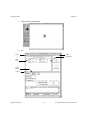
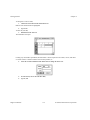
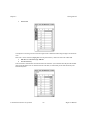
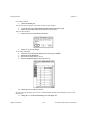
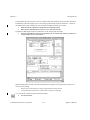
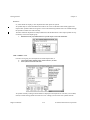
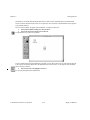
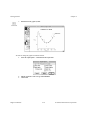
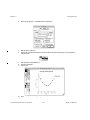
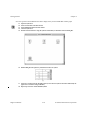
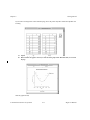
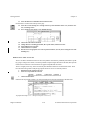
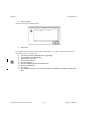
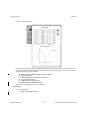
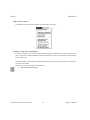
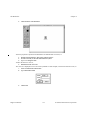
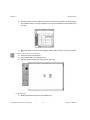
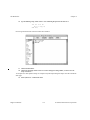
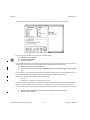
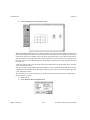
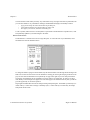
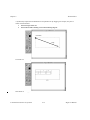
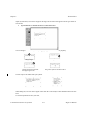
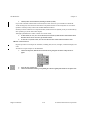
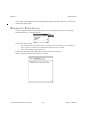
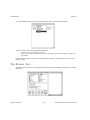
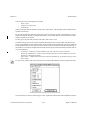
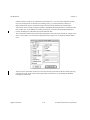
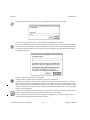
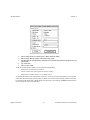
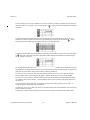
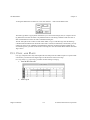
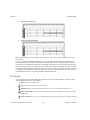
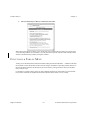
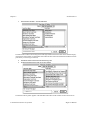
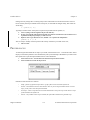
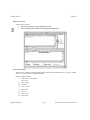
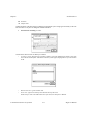
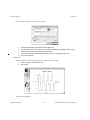
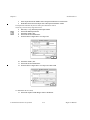
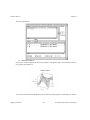
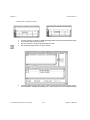
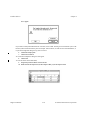
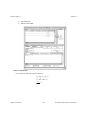
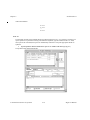
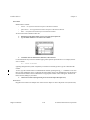
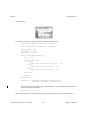
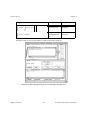
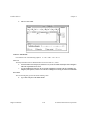
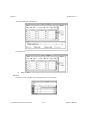
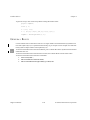
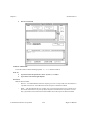
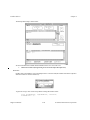
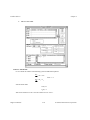
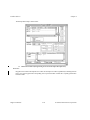
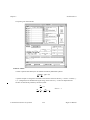
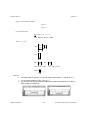
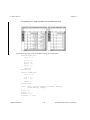
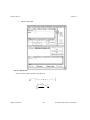
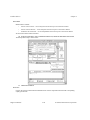
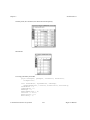
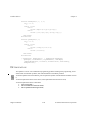
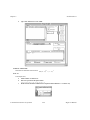
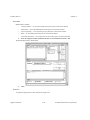
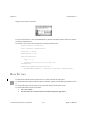
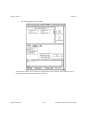
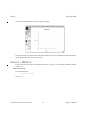
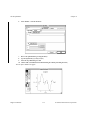
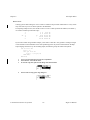
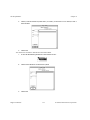
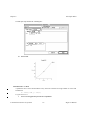
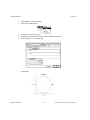
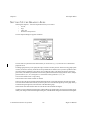
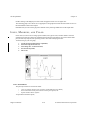
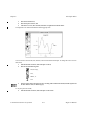
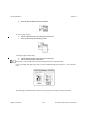
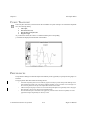
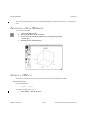
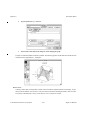
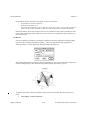
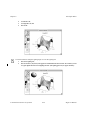
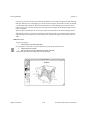
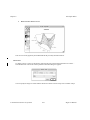
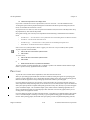
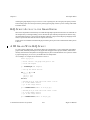
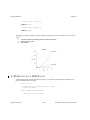
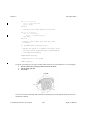
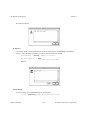
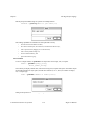
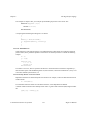
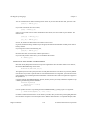
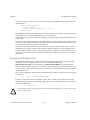
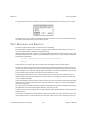
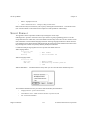
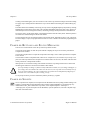
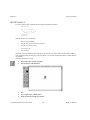
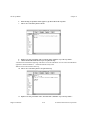
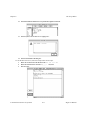
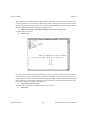
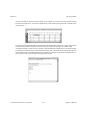
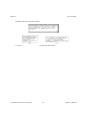
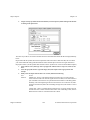
The Script Editor Chapter 8 The compilation errors window appears, listing all bugs in your script. To track down a bug, click anywhere in the error explanation to select the error, then click on Locate. The Script Editor window will be brought to the front and the pointer will be located as close as possible to the problem area in the script. The contents of the error window may be saved in a symbol by clicking on Save. 4. Replace the missing “do” and semicolon and click on Syntax just to verify the script. To further analyze your script, 5. Click on XRef The cross reference consists of a numbered listing of the script, and a list of all variables along with the line numbers where they appear and an indication of where the variable was defined. The results of the cross reference analysis are placed in a text Symbol named “ScriptName_XRef.” A number is appended to the symbol name each time the cross reference is executed. You can view the cross reference record at any time by double-clicking on the symbol’s name in the Symbol List. 6. Click on Run to execute the script. If all goes well you should see an indication that there were no errors. 7. Click on OK. HiQ User Manual 8-12 National Instruments Corporation