1
LOCAL DEPUTY REGISTRAR
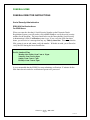
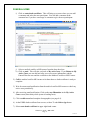
Do not use the Green arrows (back/forward) at the top upper left of screen. If you do, you
will lose the demographics typed from that point on.
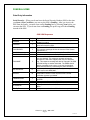
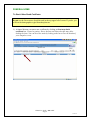
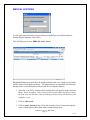
1) Select the case ID by clicking on the number (this will open the death certificate
form). Please be patient. Heavy Internet and Network traffic may delay loading the
form. You can check the status by looking at the bar across the bottom of your
computer screen.
2) Review the death certificate for completion.
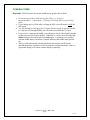
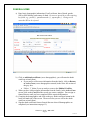
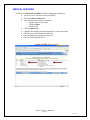
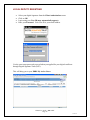
3) If errors are found, return to the funeral home or medical certifier by selecting the
grey bar at the top right of the screen–route death certificate.
4) This step takes you to routing screen. Select the middle grey bar that says return to
sender (places the death certificate in your My Sent Cases)
a) Wait for an email notification for a second review of the death certificate. This
case will appear on your My Active Cases screen.
b) Click on the Case ID number and the death certificate form will appear after a
short delay. Review all items for completeness.
5) Click on edit record and enter the local file number at the top middle of the death
certificate.
6) Early Notification of Childhood Death (ENCD) – Enter the information for a child
death into the EDRS for a child 17 years or younger has died.
7) If the death certificate is complete, click on Item 57 and click to sign the death
certificate.
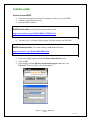
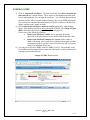
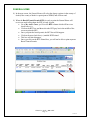
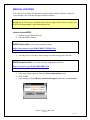
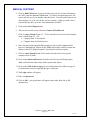
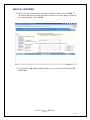
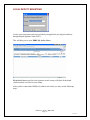
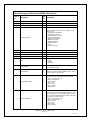
8) Click on the grey submit button at the top upper right of screen and a window
appears asking for confirmation to send to CHS (see below).
i) Click on Yes
ii) The death certificate is now filed with CHS
iii) All corrections from this point need to be made with CHS staff.
EDRS User Guide – D R A F T
Page 26
12-13-05