1
Removal and Replacement
Removing and Replacing the Front Smart Fan Assembly
Removing the Front Smart Fan Assembly
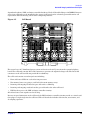
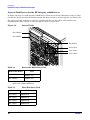
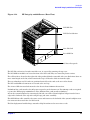
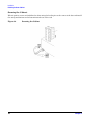
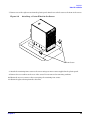
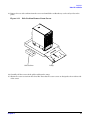
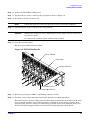
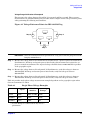
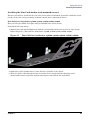
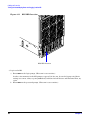
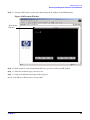
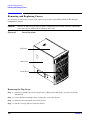
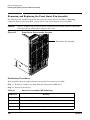
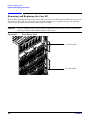
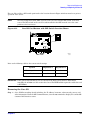
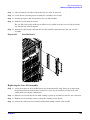
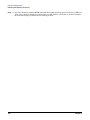
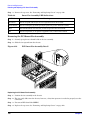
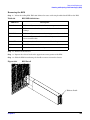
Figure 6-6
Front Fan Removal
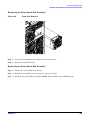
Step 1. Loosen the two thumb screws securing the fan to the chassis.
Step 2. Slide the fan from the chassis.
Replacing the Front Smart Fan Assembly
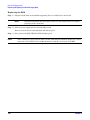
Step 1. Position the fan assembly in the chassis.
Step 2. Tighten the two thumb screws to secure the fan to the chassis.
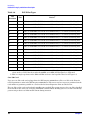
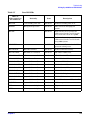
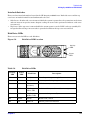
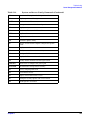
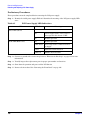
Step 3. Check the fan status LED. It should be GREEN. Refer to Table 6-1 for LED definitions.
Chapter 6
147