1
Cyfin User Guide v.9.2.0
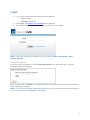
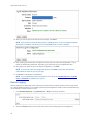
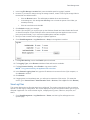
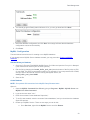
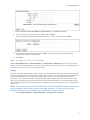
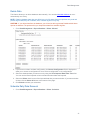
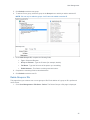
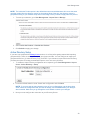
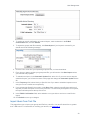
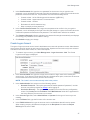
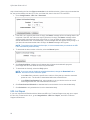
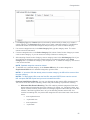
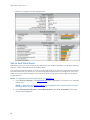
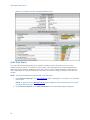
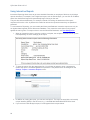
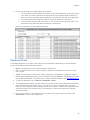
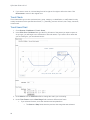
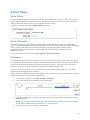
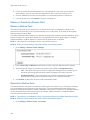
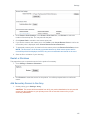
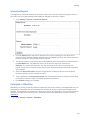
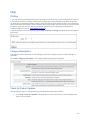
2. The Status message will let you know if there are any new updates or if your product is currently
up to date. If updates are available, click Update Now to upgrade the product.
NOTE: While the product is updating, the service will be down for a very short time.
End User License Agreement
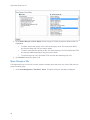
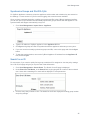
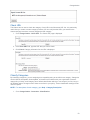
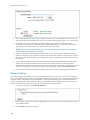
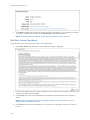
This page allows you to accept and print the License Agreement.
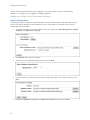
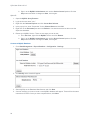
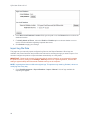
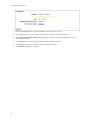
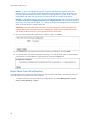
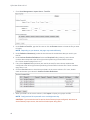
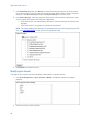
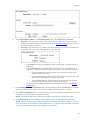
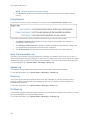
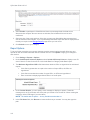
1. Go to Help - EULA. The End User License Agreement page is displayed.
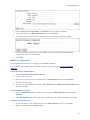
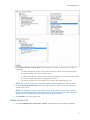
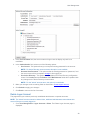
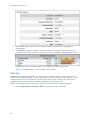
2. If the License Agreement has not been accepted, as you scroll down to the bottom of the text, the
Accept button will become available.
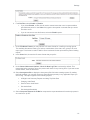
3. Click Accept. Once the License Agreement is accepted, the Accept button will no longer be
visible.
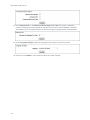
NOTE: If the License Agreement is not accepted, operator accounts will receive an error
message when they attempt to log on.
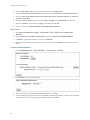
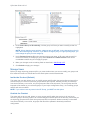
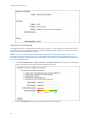
4. Click Print to print the License Agreement. You may return to this page at any time to view or
print it.
114