1
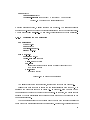
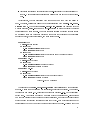
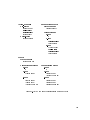
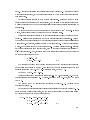
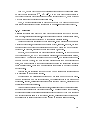
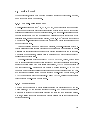
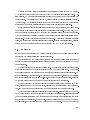
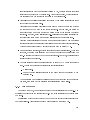
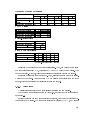
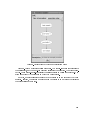
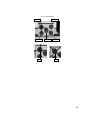
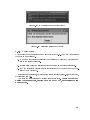
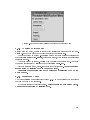
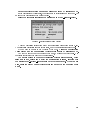
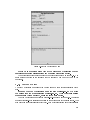
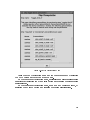
The State Change window describes a state change caused by an operator's eect.
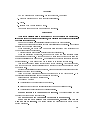
Figure D.32 tells us that the state of the \second cutout valve" will be \shut".
Close the State Change window by selecting \Ok".
D.4.8 Modifying Preconditions
We will now introduce two preconditions for step \toggle-2nd." The preconditions will
help us when we test the procedure.
D.4.8.1 Using the Operator Eect menu
The rst precondition is erroneous. It will be identied when we test the procedure.
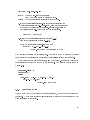
The precondition is the last precondition in the Operator Eect menu's list of preconditions. The precondition has a likelihood of \none" because the experiments determined
that it is unnecessary.
Be aware that the scrollbar next to the preconditions does not indicate the number of
preconditions in the list.
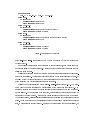
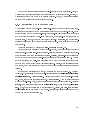
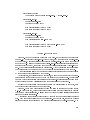
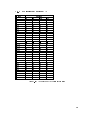
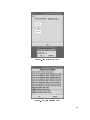
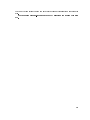
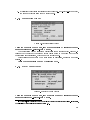
Select the precondition with the condition \gb covstg1 state = shut". In
the Precondition window, set the status to \required".
Select \Ok" to close the Operator Eect menu.
D.4.8.2 Using the Step Prerequisites menu
The next precondition that we will specify is not required to perform the step. Instead,
the precondition is used to control when the step is performed.
Operator eects are inappropriate for this purpose because
Preconditions are automatically eliminated if they are not required by the environment.
The same eect could be used with several steps.
You can specifying preconditions for controlling when a step is performed using the
\Step Prerequisites" menu.
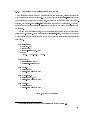
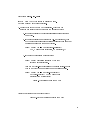
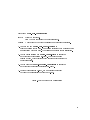
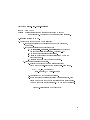
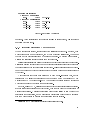
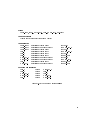
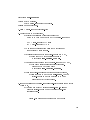
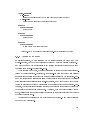
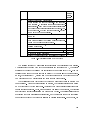
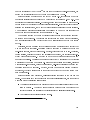
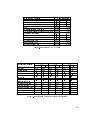
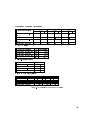
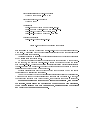
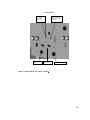
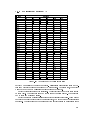
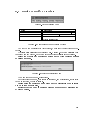
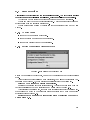
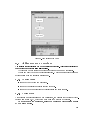
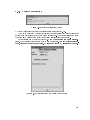
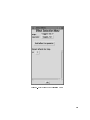
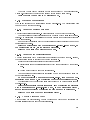
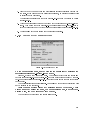
On Step Modication menu for step \toggle-2nd-2", open the \Step Prerequisites" menu (gure D.33) by selecting the \Step Prerequisites" button.
We will specify that the rst stage alarm light should be o before performing step
\toggle-2nd-2".
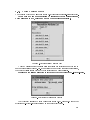
Select the precondition for rst stage alarm light by selecting the rectangle
with the condition \cdm chnl1 lt state = o". In the Precondition window,
set the status to \required" by selecting the diamond next to \required".
Select \Ok" to close the Step Prerequisites window.
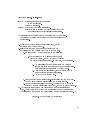
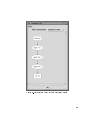
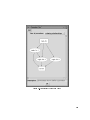
D.4.9 Updated Procedure Graph
After updating the preconditions, we need to close some windows and recalculate the
ordering relationships between the procedure's steps.
358