1
Chapter 8 Software Tools
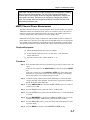
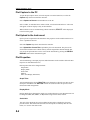
Creating a Database
A single trace or a block of traces can be transferred from the instrument to the PC. A separate database can be created for each cellular site. The site name can be used as the database
name.
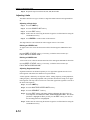
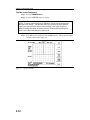
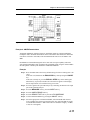
Step 1. Select the File menu and select Database.
Step 2. Open an existing database or create a new database with a descriptive filename
that represents the site name.
Once the database has been created, files can be saved and site information can be added,
such as Plot Description, Date/Time, Operator, record/trace number and session description
(Transmitter type etc.)
Individual plots will be labeled with the Database Site Name. Each record has its own plot
description and measurement type.
Printing
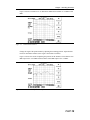
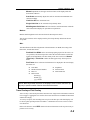
One to multiple plots per page can be set up under the print format in Software Tools. Orientation of how the plots are printed on the page can be changed from vertical to horizontal.
To print a single trace, or multiple traces:
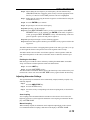
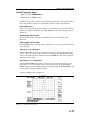
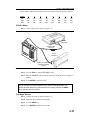
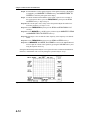
Step 1. Click on the printer icon, or select the File menu and select Print.
Step 2. In the Print dialog box, click on the Setup button to select the paper source and
orientation.
Step 3. In the Print dialog box, click on the appropriate Print Style to define the number of plots per page and the plot layout.
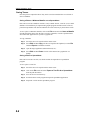
Entering Antenna Factors in Software Tools
NOTE: Antenna Factors are available only on Anritsu Hand Held Spectrum Analyzers.
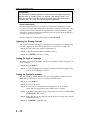
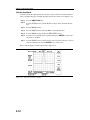
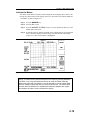
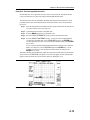
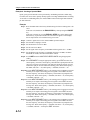
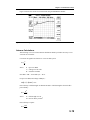
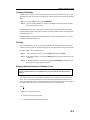
The Antenna Factor (AF) is a fundamental parameter of an antenna used in field measurements. AF is used in the calculation of field strength during radiated emissions measurements, and relates the value of the incident electric or electromagnetic field to the voltage at
the output of the antenna. For an electric field antenna, this is expressed as:
AF = E
Vl
Where AF = Antenna Factor, m
-1
E = Electric field in Volts per meter
Vl = Voltage at the antenna terminals in Volts
8-7