Addendum
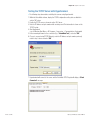
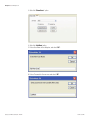
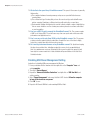
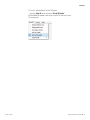
2. Choose to enter the Rack ID via the 1D Scanner
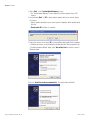
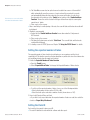
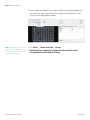
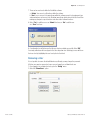
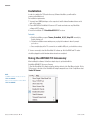
Open the “Rack ID” menu, then select “Set via 1D Reader”.
The VisionMate HS software is now set up to use the 1D Accessory to read
1D rack barcodes.
Thermo Scientific
High Speed 2D Barcode Reader | A - 3