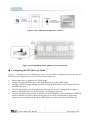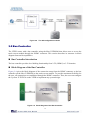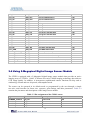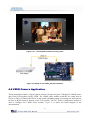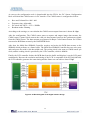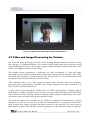
1
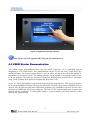
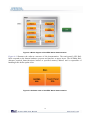
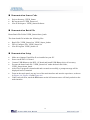
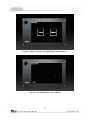
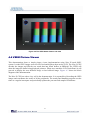
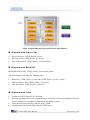
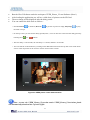
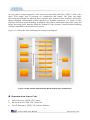
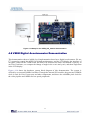
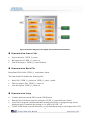
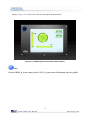
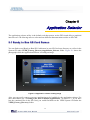
Demonstration Source Code • • • Project directory: VEEK_Starter Bit stream used: VEEK_Starter.sof Nios II Workspace: VEEK_Starter\Software Demonstration Batch File Demo Batch File Folder:VEEK_Starter\demo_batch The demo batch file includes the following files: • • • Batch File: VEEK_Starter.bat, VEEK_Starter_bashrc FPGA Configure File: VEEK_Starter.sof Nios II Program: VEEK_Starter.elf Demonstration Setup • • • • • • • Make sure Quartus II and Nios II are installed on your PC Power on the DE2-115 board Connect USB-Blaster to the DE2-115 board and install USB-Blaster driver if necessary Execute the demo batch file “VEEK_Starter.bat” under the batch file folder, VEEK_Starter\demo_batch After Nios II program is downloaded and executed successfully, a prompt message will be displayed in nios2-terminal From on the touch panel, tap any icon of the main interface and start the experience, as shown in Figure 4-4, Figure 4-5 and Figure 4-6 Under each sub item, touch the Exit button on the left bottom corner will lead you back to the main interface 19