1
8. CUSTOMIZATION
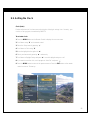
8-19. Setting Locks
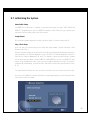
Movie Rating
Blocks movies according to the movie ratings limit, as defined by the Motion Picture Association of
America, so children cannot view certain movies. You can set the ratings limit by blocking out all the
movies with the ratings above a specified level. Keep in mind that the movie ratings limit applies only to
movies shown on TV, not TV programs such as soap operas.
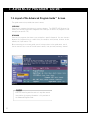
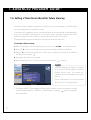
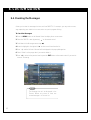
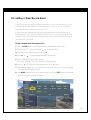
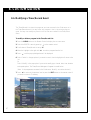
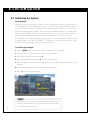
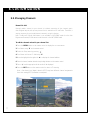
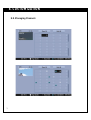
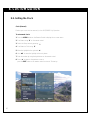
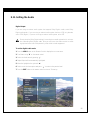
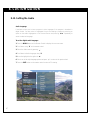
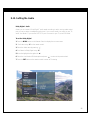
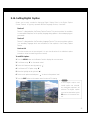
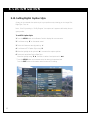
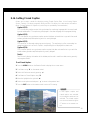
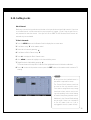
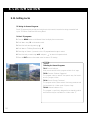
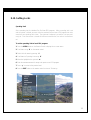
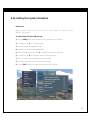
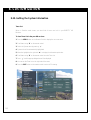
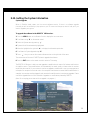
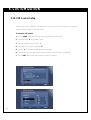
To block movie programs:
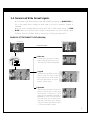
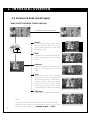
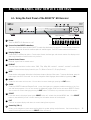
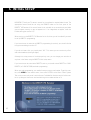
1. Press the MENU button on the Remote Control to display the on-screen menu.
2. Scroll down using “E” on the remote control.
3. Select the Lock menu by pressing “ ”.
4. Scroll down to Movie Rating using “E”.
5. Select the level you want using “DE” and press “ ” to return to the previous level.
6. Press the EXIT button on the remote control to return to TV viewing.
NOTE
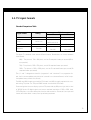
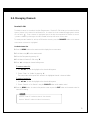
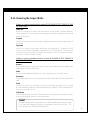
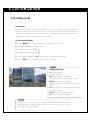
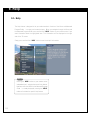
MOVIE/MPAA rating
G: General Audiences
All ages admitted.
PG: Parental Guidance Suggested.
Some material may not be suitable for children.
PG-13: Parents Strongly Cautioned
Some material may not be appropriate for children
under 13.
R: Restricted Under 17 requires accompanying parent or adult guardian.
NC-17: No one 17 and under admitted.
X: No one 17 and under admitted.
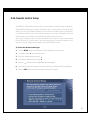
NOTE
99
The Lock feature relies on correct rating information to be provided by broadcaters and
service providers. If broadcast rating information is missing or incorrect, the Lock feature cannot function as designed.