1
II. SEARCHING
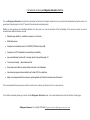
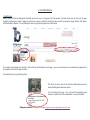
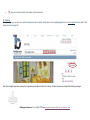
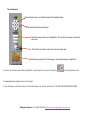
Bridgeman Education offers two search functions: the Quick and the Advanced search as well as a range of indexes or Subject categories available
to all subscribed members.
i. Quick Search:
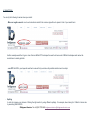
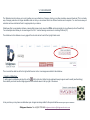
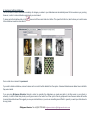
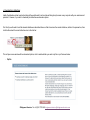
This is a 'Google' type search using keywords, which will retrieve results containing one or more of the keywords you enter into the Search field. The
results will be sorted by relevance, i.e. results corresponding to all search terms first then in decreasing relevance. You can also change this option
and organise your search results by „most recent‟.
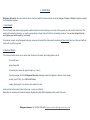
For example, a search using the keywords Hopper, woman and street will first retrieve results containing all three words then two of them and finally all
results with one of the keywords.
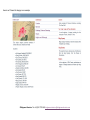
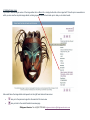
ii. Advanced Search
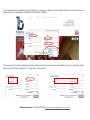
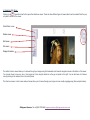
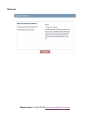
The Advanced Search allows you to narrow down the focus of the search by including details such as;
- the artist's name
- picture/image title
- its location (as in where the original is kept e.g. ‘Louvre’)
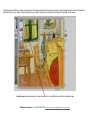
- the image number (this is the Bridgeman Education catalogue number that appears at the foot of each image)
- century (typed C19th) (or –C06th for BC dates)
- medium (photograph, oil on canvas, stone, watercolour etc)
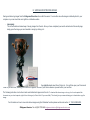
Location refers to the current location of the work – country or institution.
Nationality can sometimes be flexible for example English rather than British depending on the period of the work.
©Bridgeman Education Tel: +44 (0)20 7727 4065 [email protected]