1
ChemBioDraw 14.0
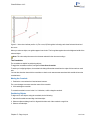
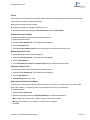
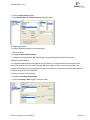
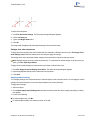
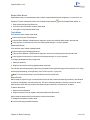
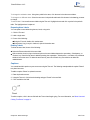
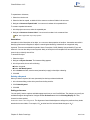
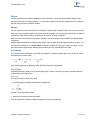
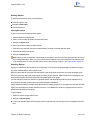
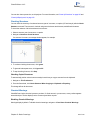
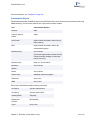
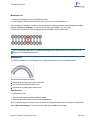
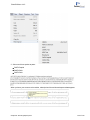
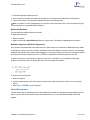
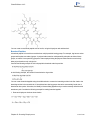
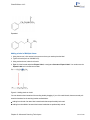
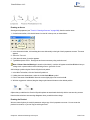
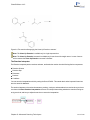
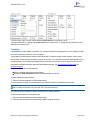
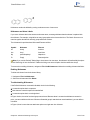
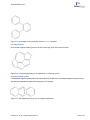
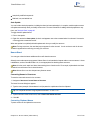
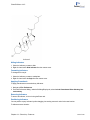
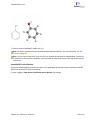
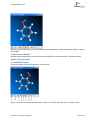
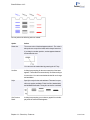
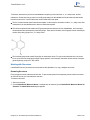
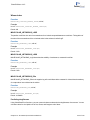
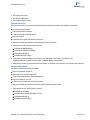
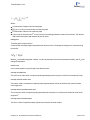
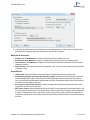
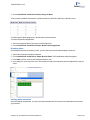
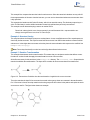
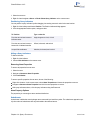
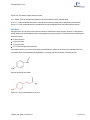
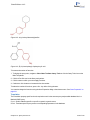
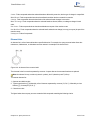
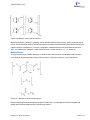
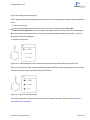
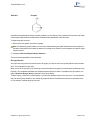
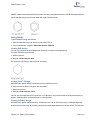
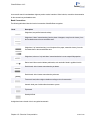
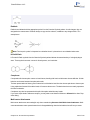
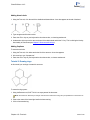
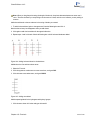
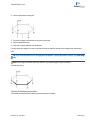
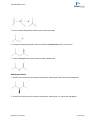
1. Select the structure with either a selection tool or the Structure Perspective tool.
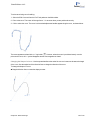
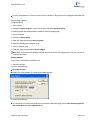
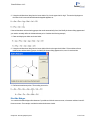
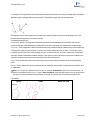
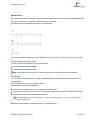
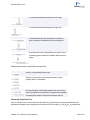
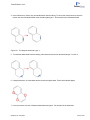
2. With the Structure Perspective tool, click and drag the selected structure. Place the cursor inside the marked rectangle and drag in any direction.
Tip: Use <SHIFT>+drag to limit the rotation to the X or Y axes only.
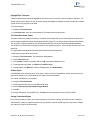
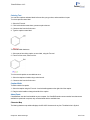
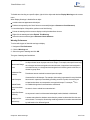
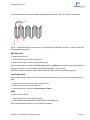
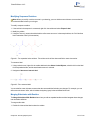
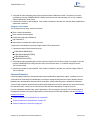
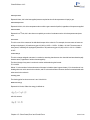
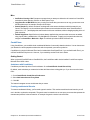
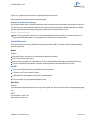
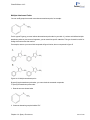
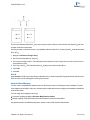
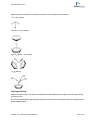
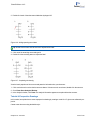
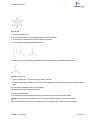
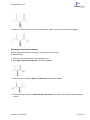
You can also select part of a complex molecule and rotate it around a particular bond.
Note: You cannot apply structure perspective to orbitals.
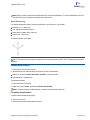
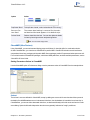
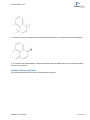
To remove the Structure Perspective Tool effect:
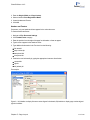
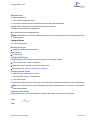
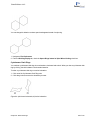
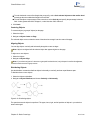
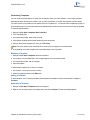
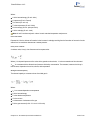
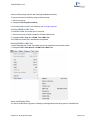
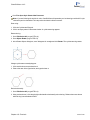
1. Select the structure with the Marquee or Lasso Tool.
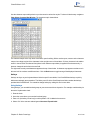
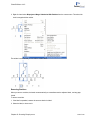
2. Navigate to Object>Flatten.
Note: Flattening the structure removes its z-coordinate information but does not change its appearance.
Mass Fragmentation
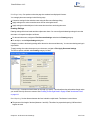
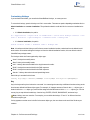
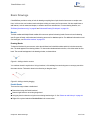
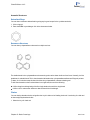
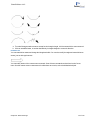
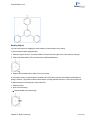
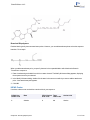
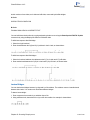
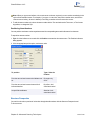
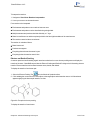
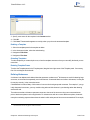
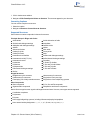
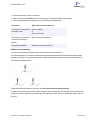
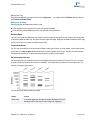
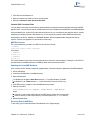
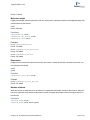
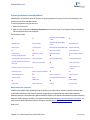
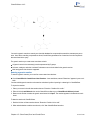
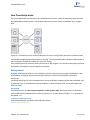
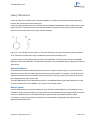
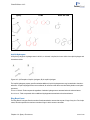
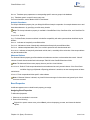
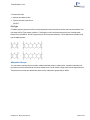
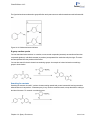
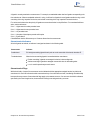
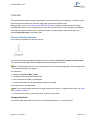
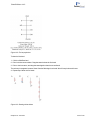
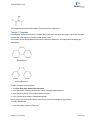
Mass fragmentation mimics the molecular fragmentation in a mass spectrometer. When you apply the mass fragmentation tool to a structure, you cut through the structure, severing its bonds, and creating fragments from the original structure.This is not a predictive tool, you must specify what bonds are to be broken.
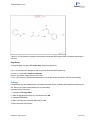
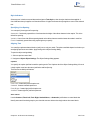
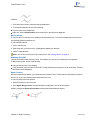
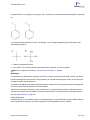
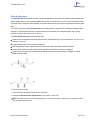
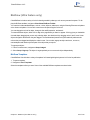
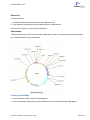
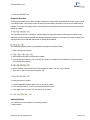
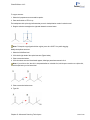
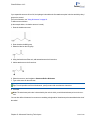
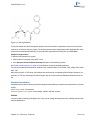
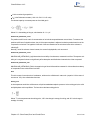
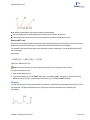
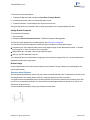
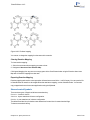
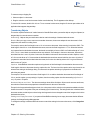
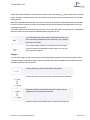
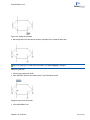
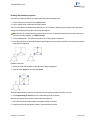
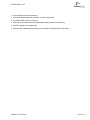
To fragment a structure, use the Mass Fragmentation Tool to drag the cursor across one or more bonds. When you
release the mouse button, bonds that you cross are broken.
By default, the line you draw disappears when you release the mouse button.
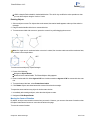
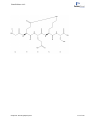
Note: To draw a curved line, or to keep the line visible, hold down the <ALT> key while drawing.
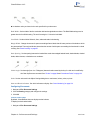
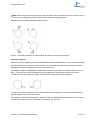
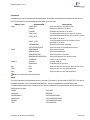
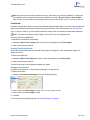
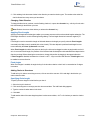
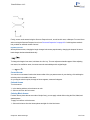
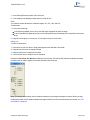
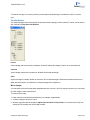
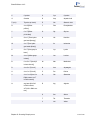
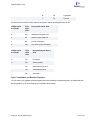
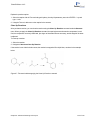
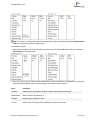
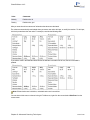
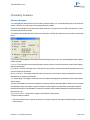
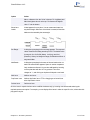
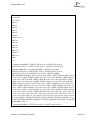
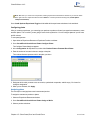
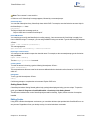
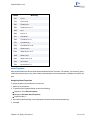
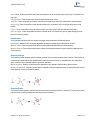
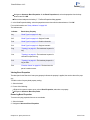
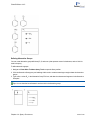
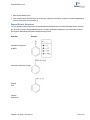
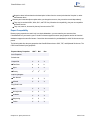
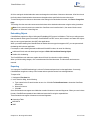
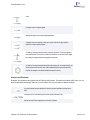
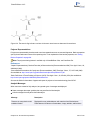
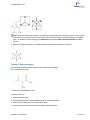
When the line crosses a bond, the formula and exact mass for the fragments on either side of the bond appear as if the
bond were homolytically broken. That is, a single bond turns into a monoradical on each fragment; a double bond turns
into a pair of diradicals. If more than one bond is crossed, all fragments on each side of the line are considered
together. If the only bond crossed is a ring bond, a single formula/mass pair displays.
Chapter 9: Advanced Drawing Techniques
126 of 315