1
ChemBioDraw 14.0
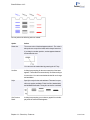
Tool Tips
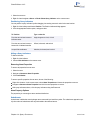
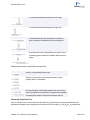
This is the name or a short description of a tool. To view a tool tip, point to a tool. A longer description of the tool tip is
available in the status bar.
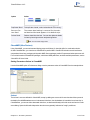
Status Bar
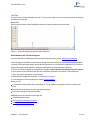
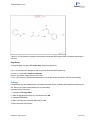
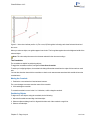
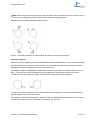
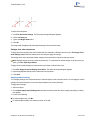
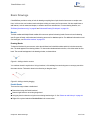
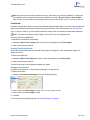
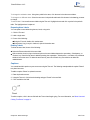
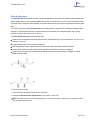
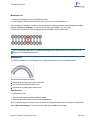
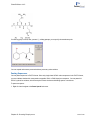
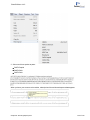
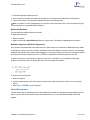
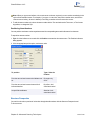
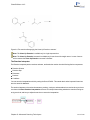
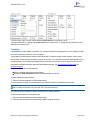
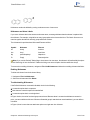
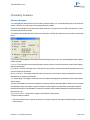
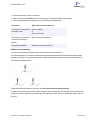
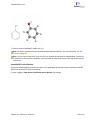
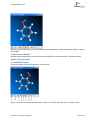
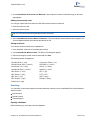
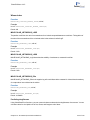
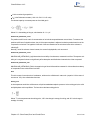
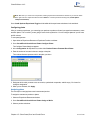
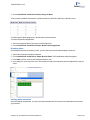
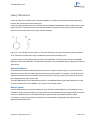
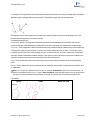
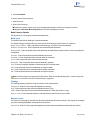
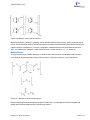
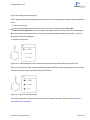
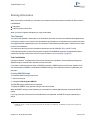
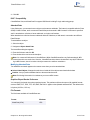
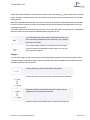
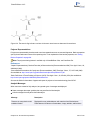
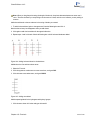
See the lower left corner of the ChemBioDraw window for useful information, as shown below.
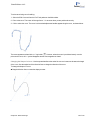
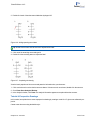
Figure 1.1: Status bar displaying information about solid bond.
Serial Number and Technical Support
For more information on obtaining serial numbers and registration codes, see the online Services Web site.
Technical support is available to registered users through the Internet and our Technical Support department.When
contacting Technical Support, always provide the serial number of your ChemBioOffice application. Our Technical
Support Web pages contain answers to frequently asked questions (FAQs) and other information.
To access our Technical Support in ChemBioDraw, navigate to Online>Browse PerkinElmerTechnical Support.
If you are unable to find a solution on the Web site, follow these steps before you contact Technical Support:
1. Check the system requirements for the software.
2. Read and follow suggestions outlined in "Troubleshooting" on page 3 .
3. If your attempts to resolve a problem fail, contact Technical support.
Before you call:
Try to reproduce the problem before contacting us. If you can reproduce the problem, please record the exact
steps.
Record the exact wording of any error messages that appear.
Record your attempts to correct the problem.
Additional sources of ChemOffice information are:
ChemBioDraw online Help
The PerkinElmer Informatics Web site.
PerkinElmer Informatics Services.
Chapter 1: Introduction
2 of 315