1
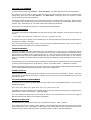
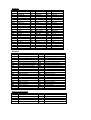
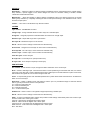
Additionally, a Menu Device ***AUX1 defines the use of the pointer device buttons (mouse only). ***AUX2,
***AUX3 and ***AUX4 are also permitted devices and can activated using the SHIFT + BUTTON, CTRL + BUTTON
or CTRL + SHIFT + BUTTON respectively.
Simply edit the required line (button location) to suit your needs. If you prefer the <ENTER> function to be active
from your ‘2’ button change the $P0=* to ; (semi-colon). If using a mouse with AutoCAD you will need to edit the
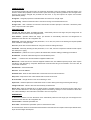
settings under ***AUX1. Exit and save this file and from AutoCAD Command: MENU <ENTER><ENTER>.
Under AutoCAD R14 or 2000 for Windows only, Command: MENU and reload the Template *.MNU file.
Note, Buttons can not be re-defined in IntelliCAD.