1
6060S/6060C/6100S/6100C/6150S/6150C/6250S/6250C User Manual
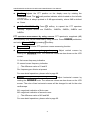
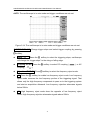
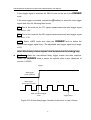
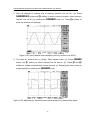
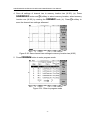
4. Save all settings of channel two to memory location two (M 02). (a). Press
SAVE/RECALL button and F3 softkey to select memory location; select memory
location one (M 02) by rotating the VARIABLE knob; (b). Press F4 softkey to
save the channel two settings afterward.
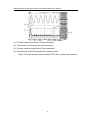
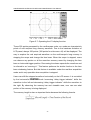
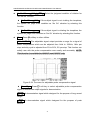
Figure 5-30: Save channel two settings to memory location two (M 02)
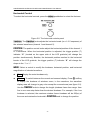
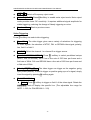
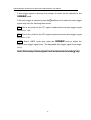
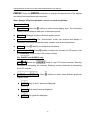
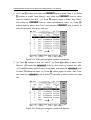
5. Press PROGRAM button to enter program mode.
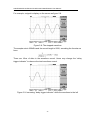
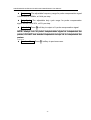
Figure 5-31: Enter to program mode
57