1
IN
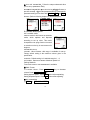
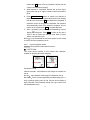
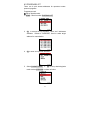
SPEED:Default setting is 9. Available range is 1~9.
OUT SPEED:Same as IN SPEED. Maximum speed is 9.
Setting Methods
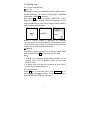
From main screen or SET PARAMETER is available. (Refer to
parameter set-up on PIPETTE mode for detail description)
Operation of MIX mode
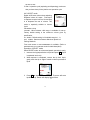
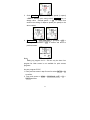
Select MIX mode; set volume, speed and times; operation is
ready.
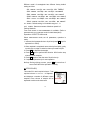
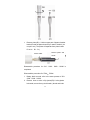
1. Immerse the tip perpendicular to liquid and press PIP; liquid
is aspirated in to the tip.
2. When mixing process is completed, pipette stop.
3. Extra liquid is still in the tip; Press PIP to purge.
4. If required, replace the tip before next operation.
Notice: Press PIP for more then 1 second will abort the
operation instantly.
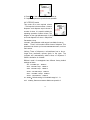
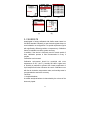
4.4.5 MANUAL mode
This mode allows operator to control
volume, start and stop the aspirate and
dispense.
Parameter set-up
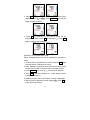
VOL LIMIT:Value between valid range is available for set-up.
Factory default setting is the maximum volume given by
specification.
IN SPEED:Default setting is 9. Available range is 1~9.
OUT SPEED:Same as IN SPEED. Maximum speed is 9.
Setting Methods
From main screen or SET PARAMETER is available.
(Refer to parameter set-up on PIPETTE mode for detail
description)
Operation of MANUAL mode
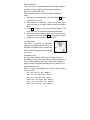
Select MANUAL mode; set speed; operation is ready.
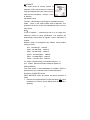
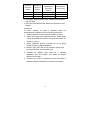
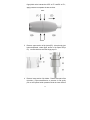
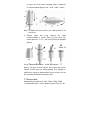
1. Immerse the tip perpendicular to liquid and press PIP and
hold until desired volume of liquid is aspirated in to the tip.
2. When the screen display the volume has reached the target,
16