1
4. Operations
4.1 Battery
Note:
① We strongly recommend you fully charge the battery before
using the pipette.
② You must only use RONLABS original battery and battery
charger. Any damage caused by using substitute accessory
will not be covered by warrantee.
③ Please charge your battery indoor.
④ Do not place the battery in contact with metal surface.
⑤ Battery disposal should be done in accordance to local
regulation. Separate such battery with your daily garbage is
highly recommended.
⑥ Never expose battery on extremely high temperature, which
may cause explosion.
Battery (specification):
Lithium-Ion Battery
Voltage:3.7V
Capacity:900mAh
Maximum charging voltage:4.2V
Charging times:2 hours will achieve a full charge [with
original charger, item number:693201]
Battery charger (specification)
Input:AC 100-240V, 50/60Hz, Max 0.15A
Output:USB 5V, 500mA
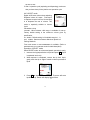
Installing/Replacing batteries
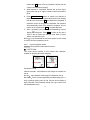
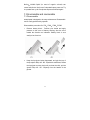
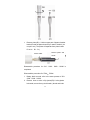
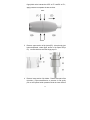
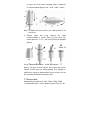
1. Press the cover of battery holder down and push toward
the direction indicated on battery holder.
2. Insert the battery block accordingly.
3. Restore the cover of battery holder.
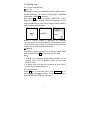
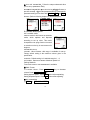
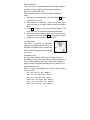
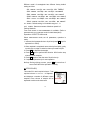
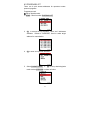
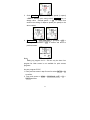
Battery state indication on screen
Green: Full charged
Black (white background) or White (black background): Partial
charged.
Red: Low battery indication (recharge or replace battery is
recommended).
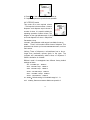
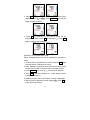
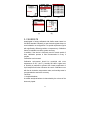
Insufficient battery indication:When power is extremely low and
insufficient to support mechanism during operation process,
main screen appears “PIP” indication.
6