1
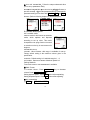
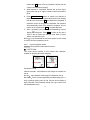
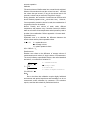
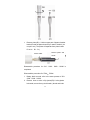
6. OK and return to step 3. Select Save ⇒ OK to store the
setting as follow; this program now has been saved as
system default; or EXIT to return to previous menu.
② Parameter set-up
Parameter set up for quick access program can only be done
from program list. Detail steps are described as follow:
Take STEPPER mode as example;
If the desired program for STEPPER mode is to dispense
100μL for 10 times.
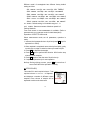
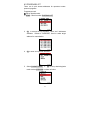
1. MENU ⇒
scroll to select PROGRAM LIST⇒
to select P1⇒ EDIT⇒
OK⇒ scroll
scroll to select CHANGE MODE⇒
scroll to select STEPPER⇒ OK
(P1 now is set up to be STEPPER mode)
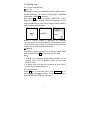
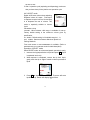
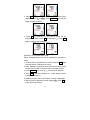
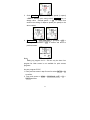
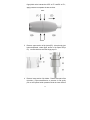
2. Scroll to select SET PARAMETER⇒ OK
screen ⇒ Scroll to select
to enter set up
sample volume( value in red
indicates the parameter like to be edit)⇒ EDIT⇒ blinking (edit
ready)⇒ selection key to change the value to 100μL⇒
OK
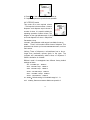
to confirm and return to screen as follow:
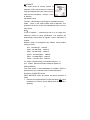
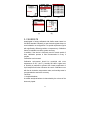
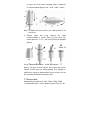
2. Scroll to select times of dispense⇒
EDIT ⇒ blinking (edit
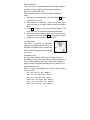
ready)⇒ Selection key to change value to 10; OK to
confirm and return to screen as follow:.
24