1
Chapter 12 - The WALKnet Alarm Browser
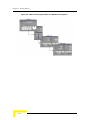
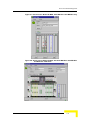
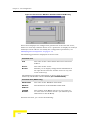
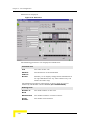
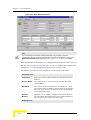
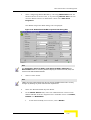
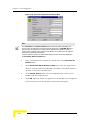
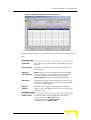
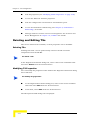
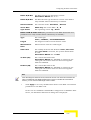
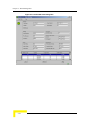
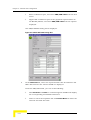
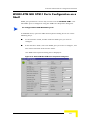
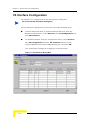
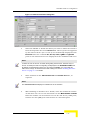
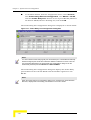
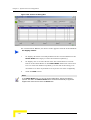
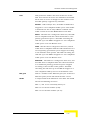
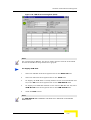
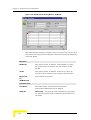
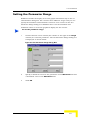
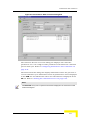
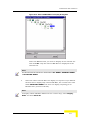
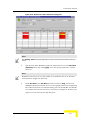
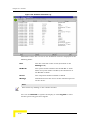
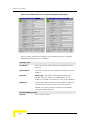
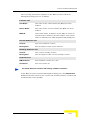
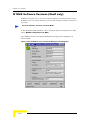
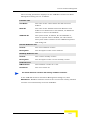
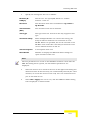
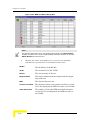
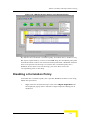
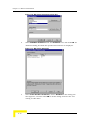
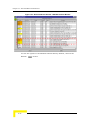
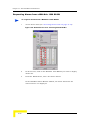
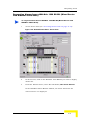
In the WALKair Alarms History window, you can sort the Severity,
Date/Time, Source (IP Address) and Device (W3000 or W1000) or Status, by
clicking the column header for the item to sort.
Note
The columns in the WALKair Alarms History window support toggled sorting: For
example, if you click once on the Date/Time column header, the most recent alarm is
displayed as the bottom of the list. If you click again on the same column header, the most
recent alarm is displayed at the top of the list.
12-10
WALKnet User’s Manual