1
Chapter 3 - Map Management
Saving Maps
To prevent the map and its cell configuration from being lost, WALKnet
enables you to save already defined maps with a different name. New maps
should be saved before closing the WALKnet application. This can save time
by enabling you to create a new map with the configuration of an existing
map. In this way, you can modify the configuration rather than defining the
map from the beginning.
Saving a New Map
New maps should be saved before closing the WALKnet application.
WALKnet automatically prompts you to save any unsaved maps when
exiting the application.
To save a new map:
1
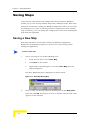
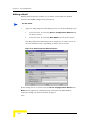
Save a new map in one of the following ways:
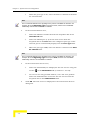
From the File menu, select Save Map.
Click Save in the toolbar.
Right-click in the Workspace, and select Save Map from the
options displayed.
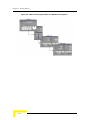
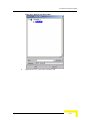
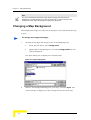
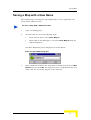
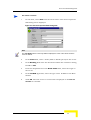
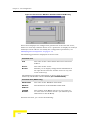
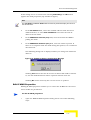
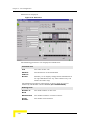
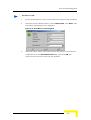
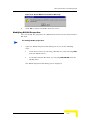
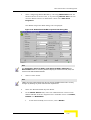
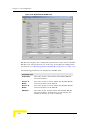
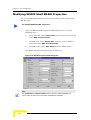
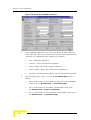
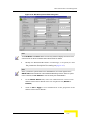
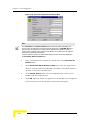
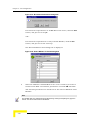
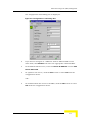
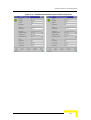
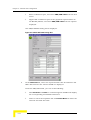
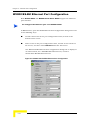
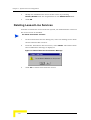
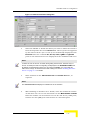
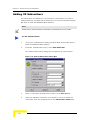
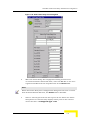
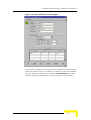
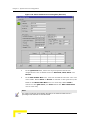
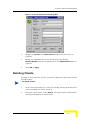
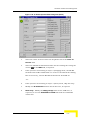
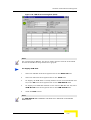
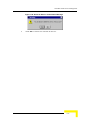
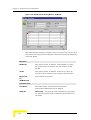
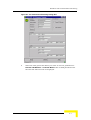
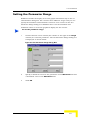
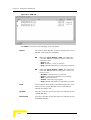
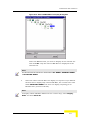
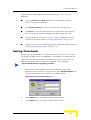
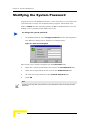
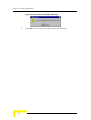
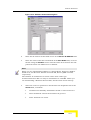
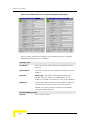
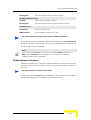
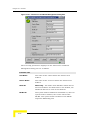
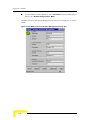
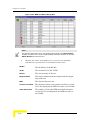
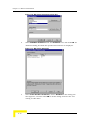
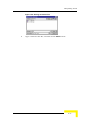
The Save Map dialog box is displayed as shown below:
Figure 3-4: Save Map Dialog Box
2
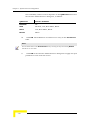
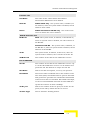
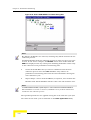
Enter a name for the map (with no blank spaces) in the Map Name
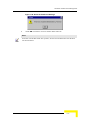
field, and click OK. The map is saved in a map file, and the new name
appears in the Title Bar.
3-6
WALKnet User’s Manual