1
3
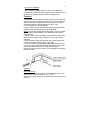
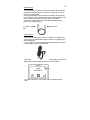
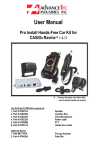
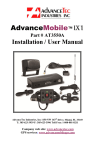
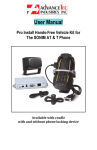
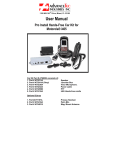
The Bluetooth Wireless Car Kit (Model # AT8000A) includes:
1. AT8010A
2. AT8011A
3. AT8012A
4. AT8013A
5. AT8243A
6. AT8230A
7. AT8229A
8. AT8231A
9. AT8232A
LCD Display
Mounting Post with suction cup
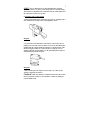
4 Piece mounting bracket
Control Module
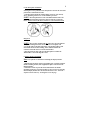
Junction Box
Visor Microphone
Visor Microphone
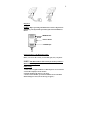
Speaker
DC Power cable
Optional Extras
1. AT8110A
2. AT8111A
3. AT7107A
Mini USB Rapid Charging cable
Micro USB Rapid charging cable
Privacy Handset with Cradle
Note! A properly installed Hands-free Car Kit will minimize service calls
and equipment downtime. Because of the wide variations in vehicle design,
these instructions should be modified to suit each particular installation.
Before beginning the installation process, determine the locations for the
mounting of the LCD Display, Mounting Post with suction cup, Control
Module, Visor microphone, Speaker and Junction box.
Consider the following guideline when planning the installation:
•
•
•
•
•
•
•
•
DO use all mounting hardware provided.
DO ensure that cables are not placed under stress.
DO follow proper + and - connections.
DO crimp connectors securely.
DO NOT attach components to any part of the vehicle that is not
rigid or is subject to excessive vibration.
DO NOT install components in areas where rain or snow can
easily get into them, such as next to a vehicle window, which may
be left open.
DO NOT pass cables over sharp edges that could cause wear or
tearing of cable insulation.
DO NOT install components in locations where they might
interfere with the vehicle operator or operating controls.