1
•
•
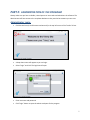
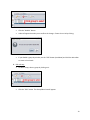
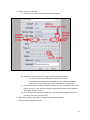
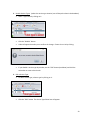
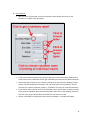
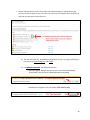
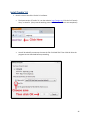
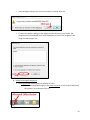
Click the “Disable” button.
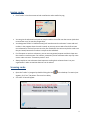
A Box will appear that asks you to confirm the change. Choose Yes or No by clicking.
•
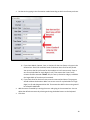
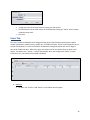
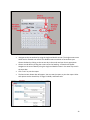
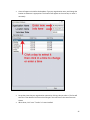
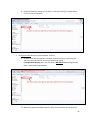
If you disable a group by mistake, use the “Edit” button (see below) and click the Active Box
to create a check mark.
3. Edit a Group:
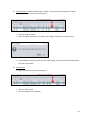
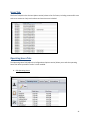
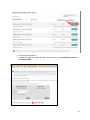
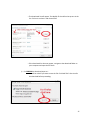
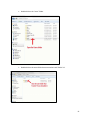
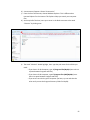
• To edit a Group, select a group by clicking on it.
•
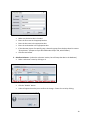
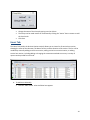
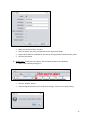
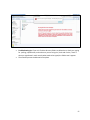
Click the “Edit” button. The Group Editor box will appear.
13