1
Reports:
1. Printing List Reports:
•
•
•
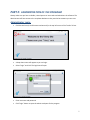
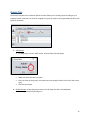
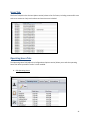
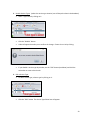
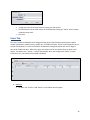
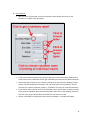
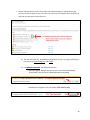
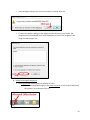
USE THE PRINT BUTTON ON THE BOTTOM LEFT of the Workspace to print a Report. All
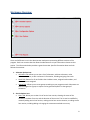
reports will be list reports except for the hours tab. You must click on an icon/tab first,
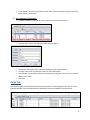
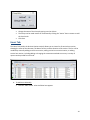
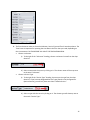
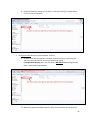
before clicking the print button. List reports might include cards issued, volunteers’ names,
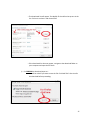
or a list of scans. For example, if you need a list of all the cards issued, click the cards tab and
then the print button.
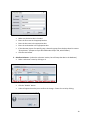
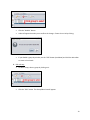
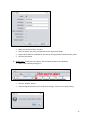
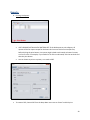
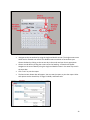
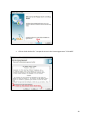
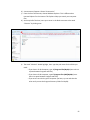
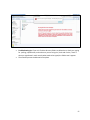
You can choose to print to a printer, or to make a PDF.
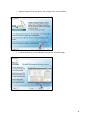
To create a PDF, choose PDF from the drop down menu next to “Name” and click print.
29