1
InstantHMI: Communication Links
Page 8-13
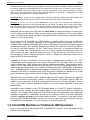
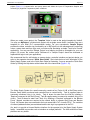
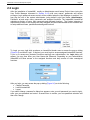
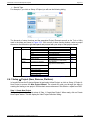
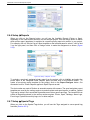
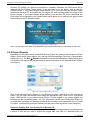
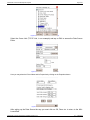
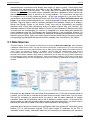
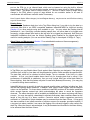
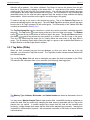
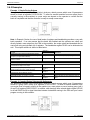
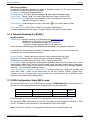
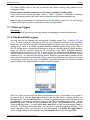
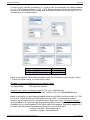
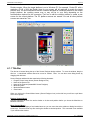
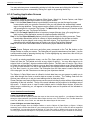
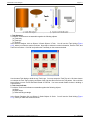
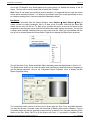
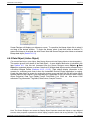
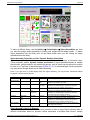
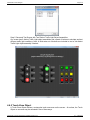
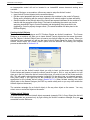
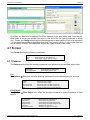
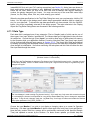
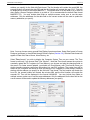
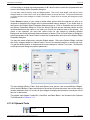
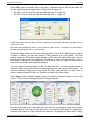
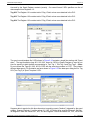
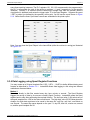
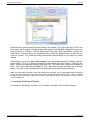
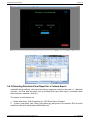
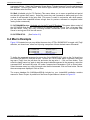
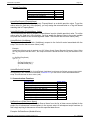
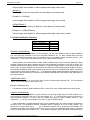
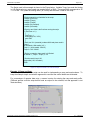
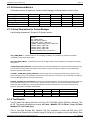
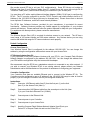
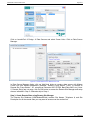
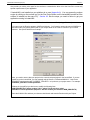
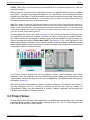
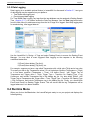
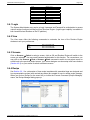
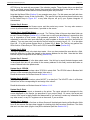
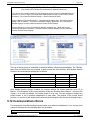
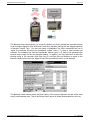
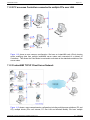
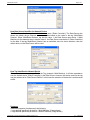
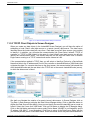
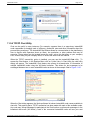
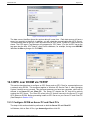
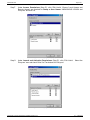
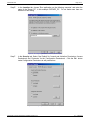
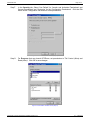
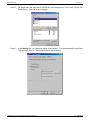
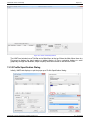
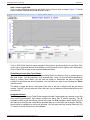
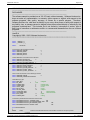
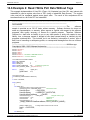
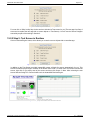
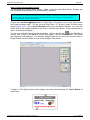
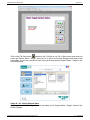
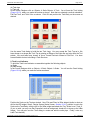
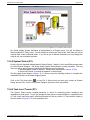
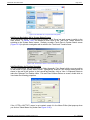
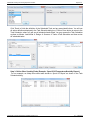
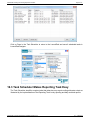
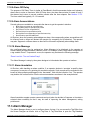
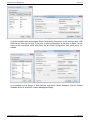
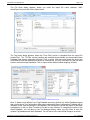
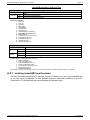
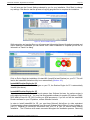
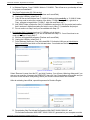
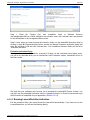
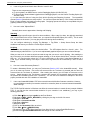
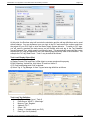
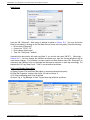
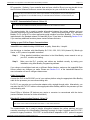
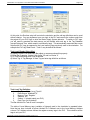
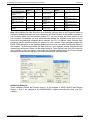
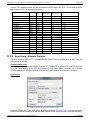
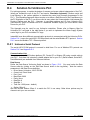
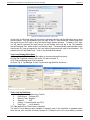
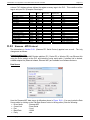
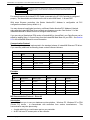
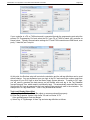
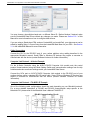
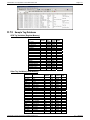
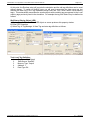
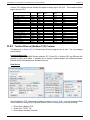
Figure 8-8: Remote Site Manager (Example Site: ‘Pump Station – 02’)
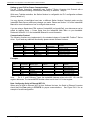
In Remote Site Manager dialog click on Add button and for each site enter the following parameters:
Site Name, Phone Number and Site Description (Example Shown: ‘Pump Station – 02’). The
Remote Site modem ‘Initialization Strings’ were already setup in Step 1.
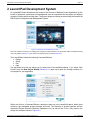
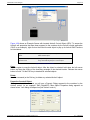
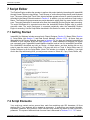
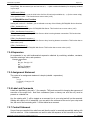
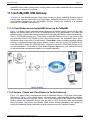
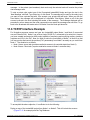
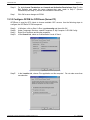
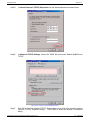
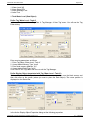
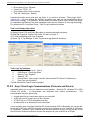
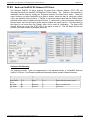
Step 4: Store Initialization String for Local modem in Site Database
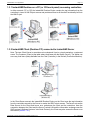
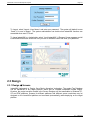
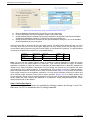
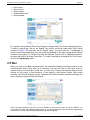
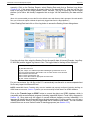
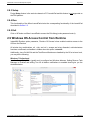
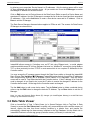
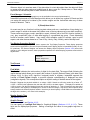
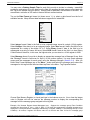
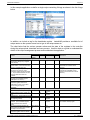
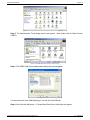
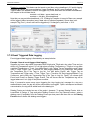
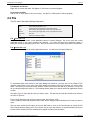
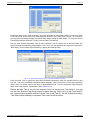
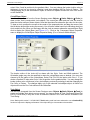
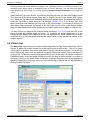
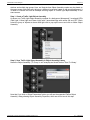
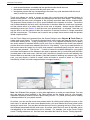
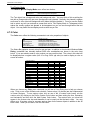
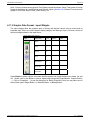
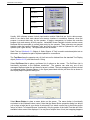
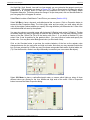
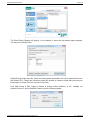
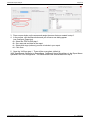
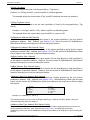
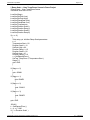
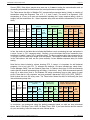
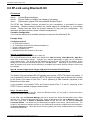
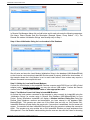
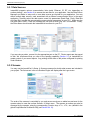
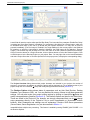
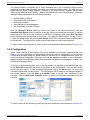
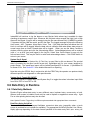
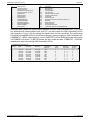
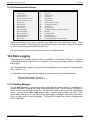
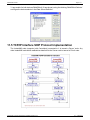
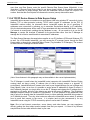
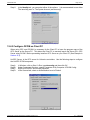
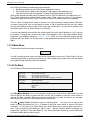
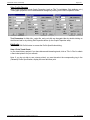
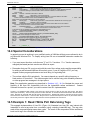
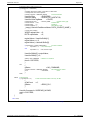
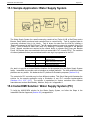
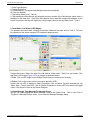
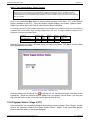
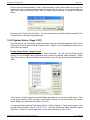
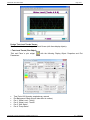
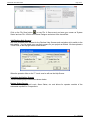
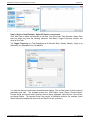
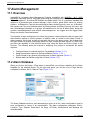
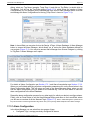
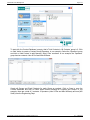
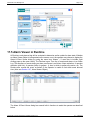
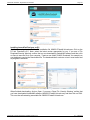
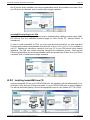
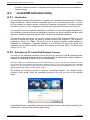
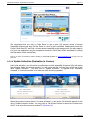
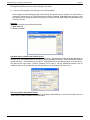
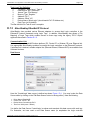
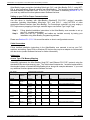
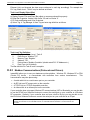
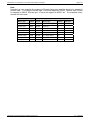
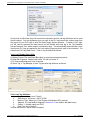
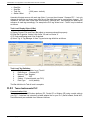
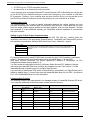
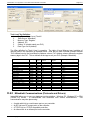
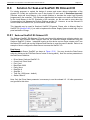
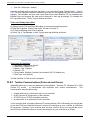
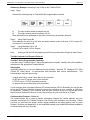
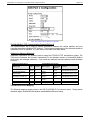
Figure 8-9: Example Initialization String for Local Modem
We will enter and store the Local Modem Initialization String in the database (IHMI-ModemDB.idb)
so that it can be used everytime InstantHMI Runtime starts to properly initialize the local modem. In
the example shown the Local Modem is set to result code numeric.Your modem may require a
different command to accomplish this task.
Step 5: Cabling for Local and Remote Modems
Connect the Local Modem to the InstantHMI Runtime computer serial RS232 port (or USB to Serial
adapter) using a straight through cable; you may also use an USB modem. Connect the Remote
modem to the PLC using a Null-modem cable or other appropriate cable.
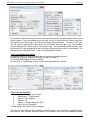
Step 6: Test Modem Comm Link Setup in InstantHMI Runtime
At runtime the local modem connected to the computer is setup correctly by InstantHMI using the
‘Initialization Strings’ for modem setup in Remote Site Database (IHMI-ModemDB.idb) for your
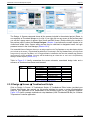
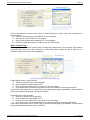
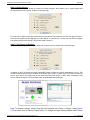
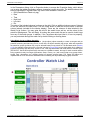
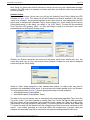
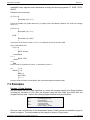
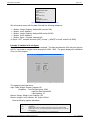
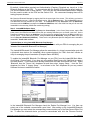
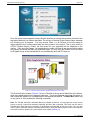
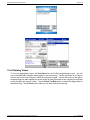
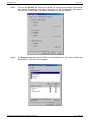
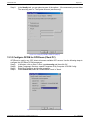
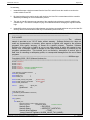
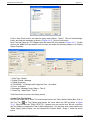
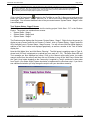
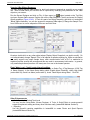
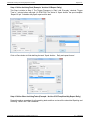
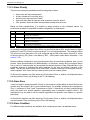
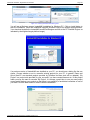
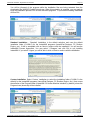
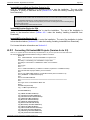
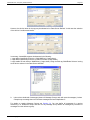
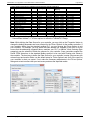
Project. During initialization InstantHMI will display a Modem Interface Dialog Box listing the
Remote Sites (telephone numbers and descriptions you have entered in the database IHMIModemDB.idb). The operator can select one of the listed sites and click on ‘Call Remote Site’.
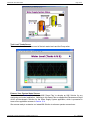
InstantHMI Runtime will start dialing the remote site. If connection is established, the first screen will
appear. If connection fails then InstantHMI Runtime will allow the operator to attempt the connection
again. The operator may retry another site or Exit InstantHMI Runtime and seek assistance from
the supervisor. From the Modem Interface dialog box the user can also click the 'Listen for Incoming
InstantHMI: Copyright © 2000-2014 Software Horizons Inc.
6.1 – 20Jul2014