1
Chapter 4 Media Player
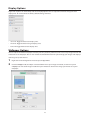
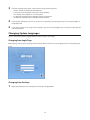
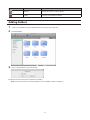
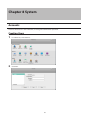
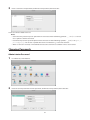
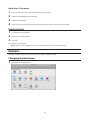
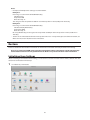
Media Player is an application that can play media files on the LinkStation and create original playlists with the
media files. To open Media Player, click the
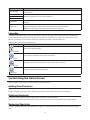
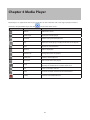
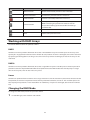
Icons
Name
icon from the home screen.
Descriptions
Refresh
Refresh the screen.
Show Player
Displays the media player.
Previous
Return to the previous media file.
Play
Opens the media player and play media files in the playlist.
Next
Skip to the next media file.
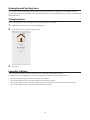
Add List
Add a new playlist.
Rename List
Change the name of a playlist.
Delete List
Delete a selected playlist.
Add Items
Add a media file to the playlist.
Copy
Create a copy of the selected media file, either on the current
directory or another that is available to the user.
Cut
Cut the selected media file.
Paste
Paste the selected media file to the new location.
Delete
Delete the selected media file.
20