1
I/O Connector (continued)
Configuring Your Camera for External Trigger Based Recording
(continued)
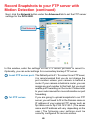
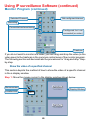
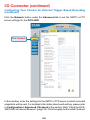
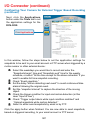
Click the Network button under the Advanced tab to set the SMTP or FTP
server settings for the DCS-3220.
Click Network
In this window, enter the settings for the SMTP or FTP server to which recorded
snapshots will be sent. For detailed information about each setting, please refer
to Configuration > Advanced > Network in the section titled “Using the DCS3220 With an Internet Browser” (page 33). Click the apply button when finished.
126