1
Contents
Contents of Package ....................................................................................... 3
Introduction ...................................................................................................... 4
Features and Benefits ..................................................................................... 4
Connections .................................................................................................... 6
Hardware Installation ....................................................................................... 8
Installation Wizard ........................................................................................... 9
Installation Wizard Screen ............................................................................ 14
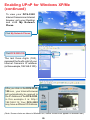
Enabling UPnP for Windows XP/Me .............................................................. 17
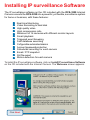
Installing IP surveillance Software ................................................................. 21
Testing the DCS-3220 ................................................................................... 25
Security ......................................................................................................... 26
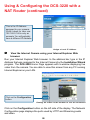
Using and Configuring the DCS-3220 with a NAT Router ............................. 27
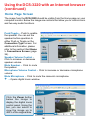
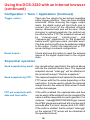
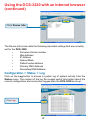
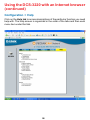
Using the DCS-3220 with an Internet Browser .............................................. 33
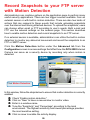
Record Snapshots to your FTP server with Motion Detection....................... 59
Using IP surveillance Software ...................................................................... 63
Installing IP surveillance Software ..................................................... 63
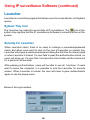
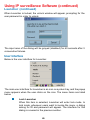
Launcher .......................................................................................... 68
Monitor Program ................................................................................ 71
Scheduling ......................................................................................... 96
Playback Program ............................................................................ 104
Appendix ...................................................................................................... 119
Frequently Asked Questions ............................................................ 119
How to PING Your IP Address .......................................................... 122
Reset and Restore .......................................................................... 123
I/O Connector .................................................................................. 124
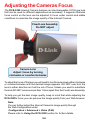
Adjusting the Camera’s Focus ........................................................ 128
Replacing the Lens .......................................................................... 129
Technical Specifications .................................................................. 130
Contacting Technical Support ..................................................................... 132
Time Zone Table .......................................................................................... 133
Warranty and Registration ........................................................................... 135
2