1
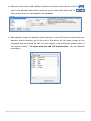
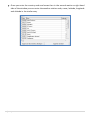
The following general steps explain how to create a new entry
under each component.
Note : The same steps will work for entry into other components, but for demo
purposes we will use the Plot component.
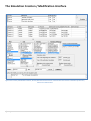
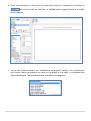
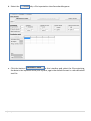
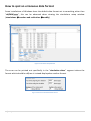
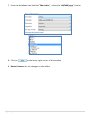
1. Hit the button labeled ‘Initial Conditions’ near the top left of the interface:
2. And then below, click on ‘Plot and Soil’
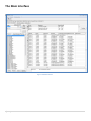
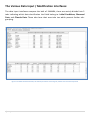
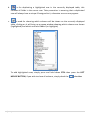
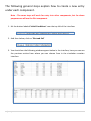
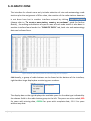
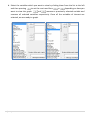
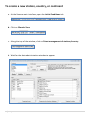
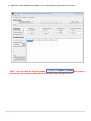
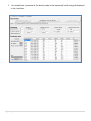
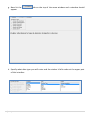
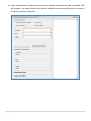
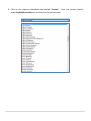
3. You should see the following window appear below in the interface, here you can see
the previous entries from where you can choose from in the simulation creation
interface
18 | P a g e