1
NVR8/16 Embedded
Quick Installation Guide
Network Video Recorder
Add a Camera
Automatic Search:
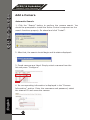
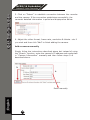
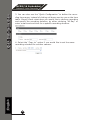
1. Click the “Search” button to perform the camera search. You
should be prompted to install the Active Control component so the
search functions properly. Go ahead and click “Install”.
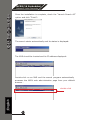
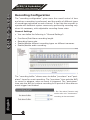
2. After that, the search should begin and its status displayed:
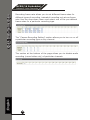
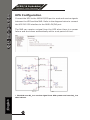
3. Found cameras are listed. Simply select a camera from the
list and press “Configure”.
English
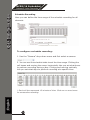
4. Its corresponding information is displayed in the “Camera
Information” section. Enter the username and password, select
the channel ID and name the camera.
17