1
Kill Motor Recovery from Controlled Shutdown
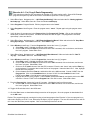
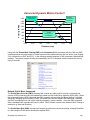
Initializing SilverMax for Controlled Shutdown
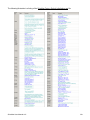
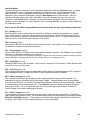
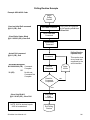
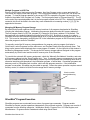
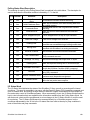
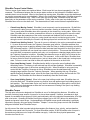
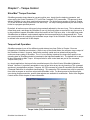
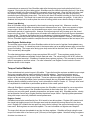
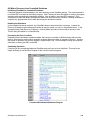
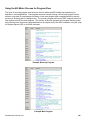
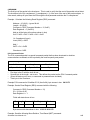
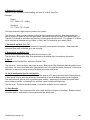
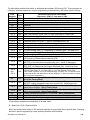
Controlled shutdown requires adding a few extra elements to the SilverMax startup. The most important is
to add the EMT command to the startup program. Multi-Tasking will allow SilverMax to continue a program
operation while processing the shutdown condition. Also at startup, issue the KED command. This
command over-rides the default setting that disables the motor drivers on shutdown, allowing SilverMax to
complete any programmed motion while processing the shutdown condition.
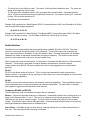
Handling the Shutdown
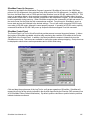
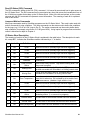
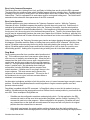
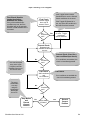
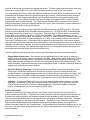
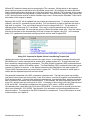
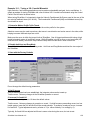
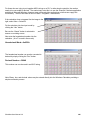
In the controlled shutdown scenario, the SilverMax does not stop the motion in process. Instead, the
Recovery Program is called allowing SilverMax to stop the motion (or not) in a controlled manner. In the
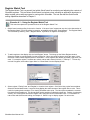
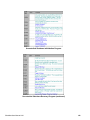
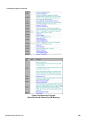
example shown (Fault Recovery Program) a Velocity Mode command is issued with a velocity of zero.
This will bring SilverMax to a controlled stop.
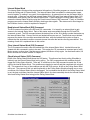
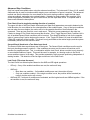
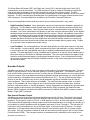
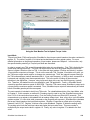
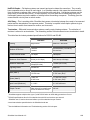
Processing the Error Condition
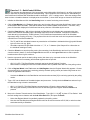
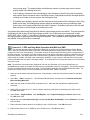
Depending on the shutdown condition enabled, there may be a number of different things that must be
done to clear the error and continue operation or simply alert the system or operator of an error. Alerting
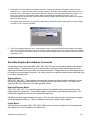
the system or operator may involve toggling a Digital Output Line. In this example nothing was required
other then re-issuing the KMC command.
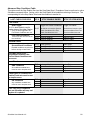
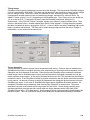
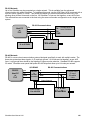
Continuing Operation
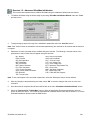
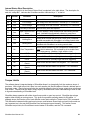
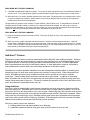
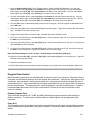
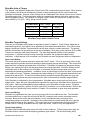
Continuing is less complicated because SilverMax does not have to be re-initialized. This may be as
simple as doing a Load and Run Program of the corrective action program.
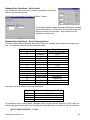
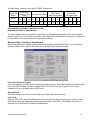
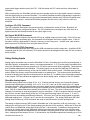
Controlled Shutdown Initialization Program
SilverMax User Manual 4.01
133