1
AWK-4131
Web Console Configuration
Relay
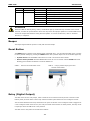
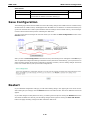
The AWK-4131 has one relay output, which consists of 2 terminal block contacts on the AWK-4131’s top panel.
These relay contacts are used to indicate user-configured events and system failure.
The two wires attached to the relay contacts form an open circuit when a user-configured event is triggered. If
a user-configured event does not occur, the relay circuit will remain closed. For safety reasons, the relay circuit
is kept open when the AWK-4131 is not powered.
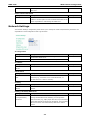
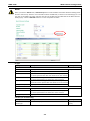
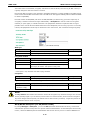
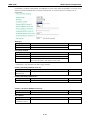
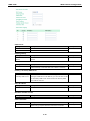
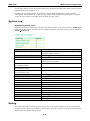
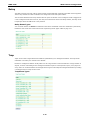
Relay Event Types
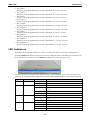
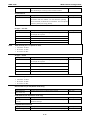
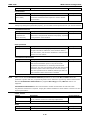
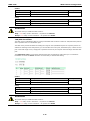
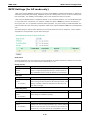
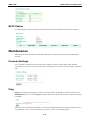
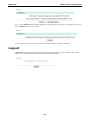
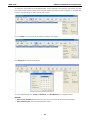
You can check the box for Active to enable the event items. All default values are deactivated (unchecked).
Details for each event item can be found in the “System log Event Types” table on page 3-31.
Trap
Traps can be used to signal abnormal conditions (notifications) to a management station. This trap-driven
notification can make your network more efficient.
Because a management station usually takes care of a large number of devices that have a large number of
objects, it will be overloading for the management station to poll or send requests to query every object on
every device. It would be better if the managed device agent could notify the management station by sending
a message known as a trap for the event.
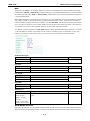
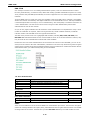
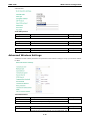
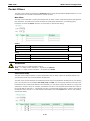
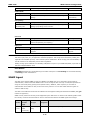
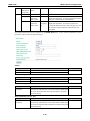
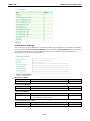
Trap Event Types
3-33