1
Introduction
MAS User's Guide
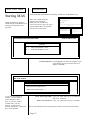
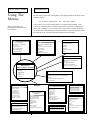
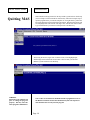
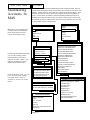
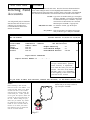
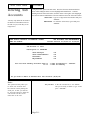
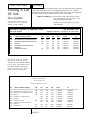
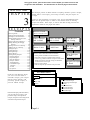
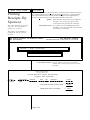
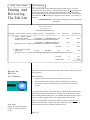
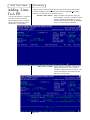
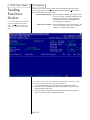
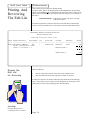
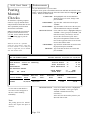
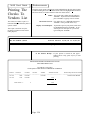
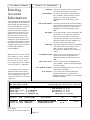
From the Desktop select Manatee Accounting. Double-click on the Manatee icon.
Starting MAS
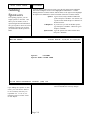
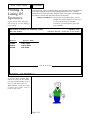
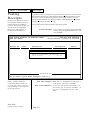
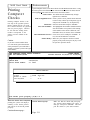
After a few seconds, the MAS
opening screen will appear.
Either wait a few seconds once
you see this screen or press any key to
proceed without delay. You will then
proceed to the system menu.
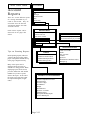
Getting into MAS is as simple as
double-clicking on the Manatee icon,
entering your logon name, and
password.
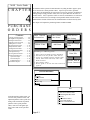
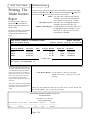
MANATEEACCOUNTING SOFTWARE
Manatee
Accounting
System
Manatee Accounting Software/Windows NT
Version 8.0
Copyright 1984-1998 by:
Manatee Development
Corporation of Boca, Inc.
All Rights Reserved
This software
constitutes a trade
secret of Manatee
Development
Corporation of Boca,
Inc.
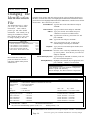
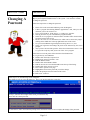
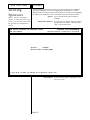
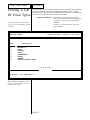
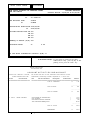
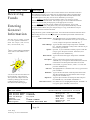
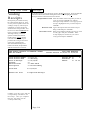
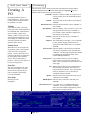
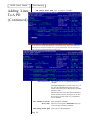
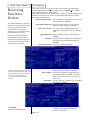
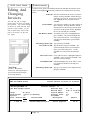
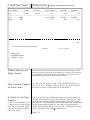
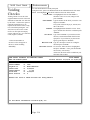
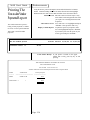
SCHOOL SELECTION
SCHOOLS
a. 1
b. 2
ANY OLD SCHOOL - 98-99
ANY OLD SCHOOL - 99-00
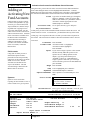
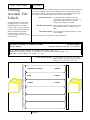
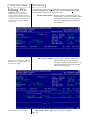
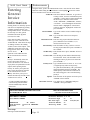
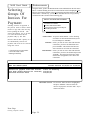
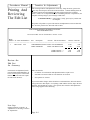
Choose your School Select/highlight your school by using the mouse
(point and one left click) or use the arrow keys
and press <ENTER>.
THE SCHOOL DISTRICT OF PINELLAS COUNTY
ANY OLD SCHOOL
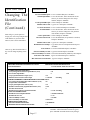
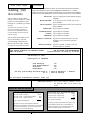
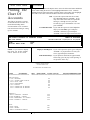
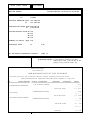
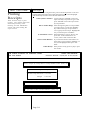
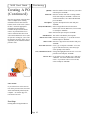
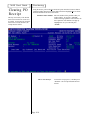
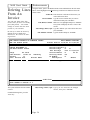
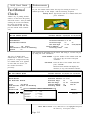
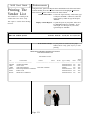
PASSWORD ACCESS
PASSWORD ACCESS
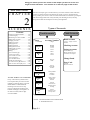
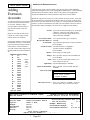
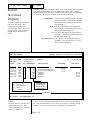
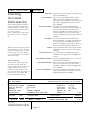
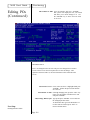
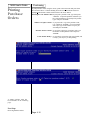
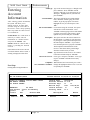
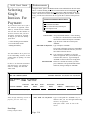
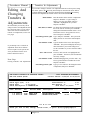
Please Enter Your Login Name =>
Please Enter Your Password =>
If you have not backed up
recently, you will receive
a brief message at this
time. If you have worked
on MAS since your last
backup, go ahead and
backup immediately (discussed
later in this manual).
Enter Your Login Name Type your login name (up to 8 characters)
and press <ENTER>.
Enter Your Password Type your password and press <ENTER>.
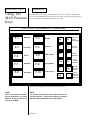
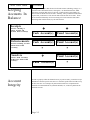
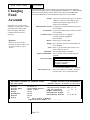
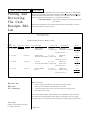
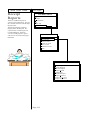
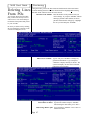
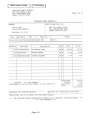
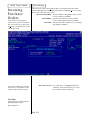
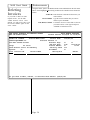
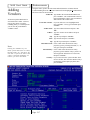
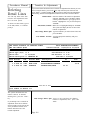
You are now in MAS and will see the pull-down menus across the top of the window.
Page 1-3