1
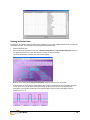
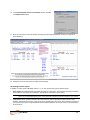
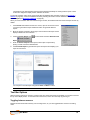
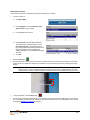
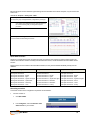
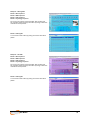
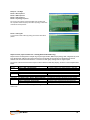
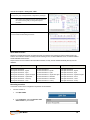
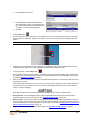
For review screens containing EEG, EMG or physiology events, the same strategy applies. Move the time marker across Stimulus Presentation events to view reaction time data as well as the time-locked physiological responses. Reaction Time Reports Using report screens The Reaction Time Suite includes Report Screens which allow you to view statistics and other results. To use these screens for report purposes: 1. Open the recorded session in review mode. Ensure that you have loaded the Report screen that you want to use for the report. 2. Drag the scroll bar to the extreme right. 3. View the results displayed on the screen. The same results are also available in the statistics window (see Calculating Statistics on page 37). Loading report screens for RT Sports using report channel sets The RT Sports section of the suite contains advanced reports that include graphs and data for group-averaged EEG, EMG and physiology, categorized by event type. To use these reports, follow these steps. 1. Open the Main Database. 2. Select the Client and the Session that you want to report upon. 3. Click Review/Report. User Manual 39